Bring anything.Ship a course.
Slate turns Canva presentations, PowerPoints, notes, and conversations into mobile-friendly eLearning courses.
Slate is at capacity, so new signups are paused on every plan. Existing accounts are unaffected.
'%3e%3cpath%20d='M25,2c-12.683,0%20-23,10.317%20-23,23c0,12.683%2010.317,23%2023,23c12.683,0%2023,-10.317%2023,-23c0,-12.683%20-10.317,-23%20-23,-23zM24.109,39.954c-6.781,0%20-11.176,-5.086%20-11.176,-12.782c0,-9.942%206.888,-17.128%2014.639,-17.128c4.69,0%207.486,2.361%207.486,5.573c0,3.313%20-2.395,5.658%20-4.436,5.658c-0.508,0%20-0.764,-0.249%20-0.764,-0.661c0,-0.917%201.478,-2.295%201.478,-4.896c0,-2.192%20-1.338,-3.569%20-3.53,-3.569c-4.69,0%20-10.029,5.541%20-10.029,15.124c0,5.657%202.809,9.753%207.346,9.753c3.924,0%207.314,-2.816%209.277,-6.797c0.174,-0.35%200.341,-0.51%200.531,-0.51c0.275,0%200.538,0.236%200.538,0.75c-0.002,2.324%20-4.163,9.485%20-11.36,9.485z'%3e%3c/path%3e%3c/g%3e%3c/g%3e%3c/svg%3e)
Three ways to chat
Talk to Slate however you think.
Type an idea, speak it aloud, or build the whole course from Claude. Slate turns the conversation into an editable draft.
- Welcome & goals
- Meet your team
- Tools and access
- Your first 30 days
- Wrap-up & next steps

Chat. Think out loud in writing.
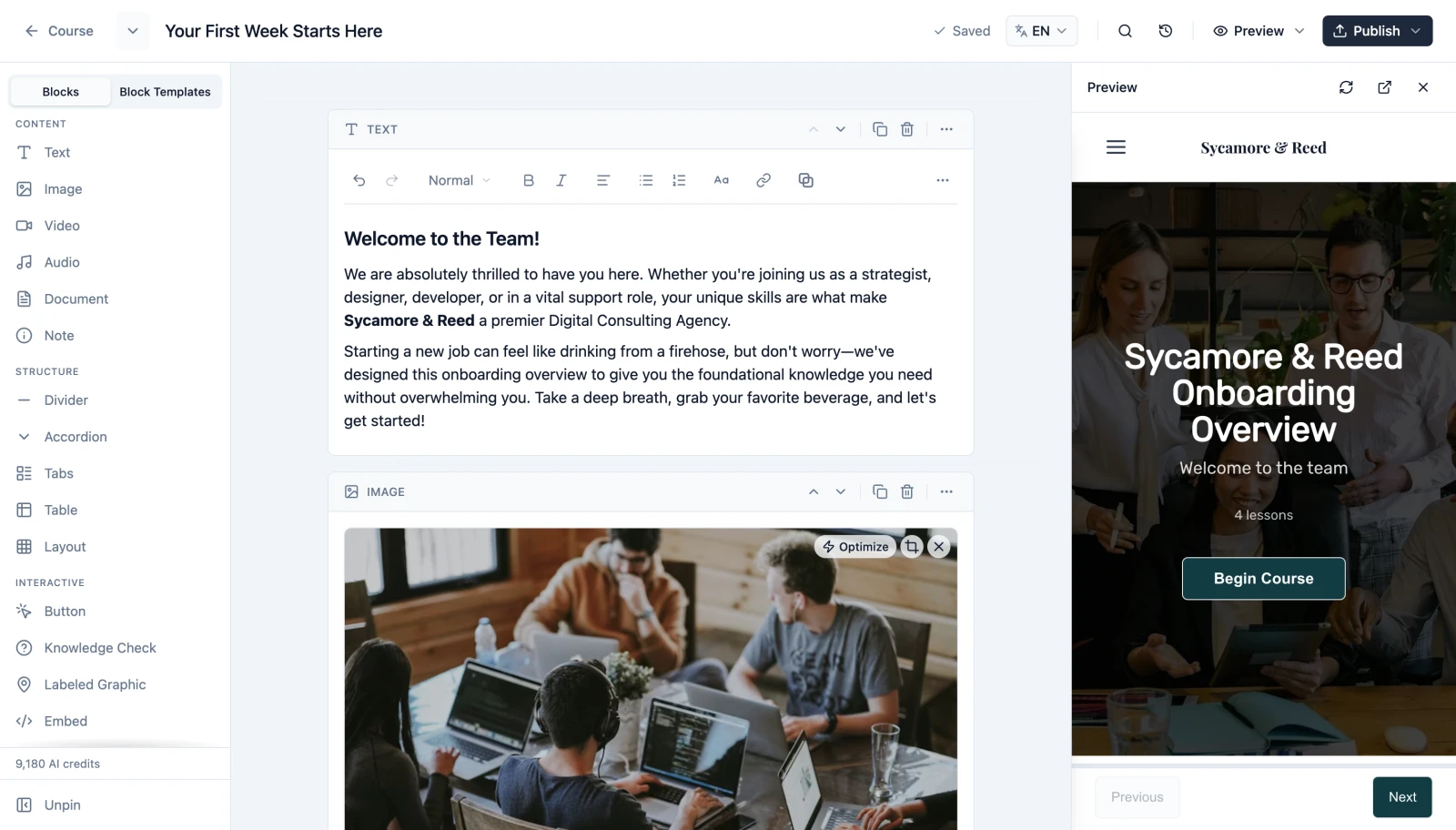
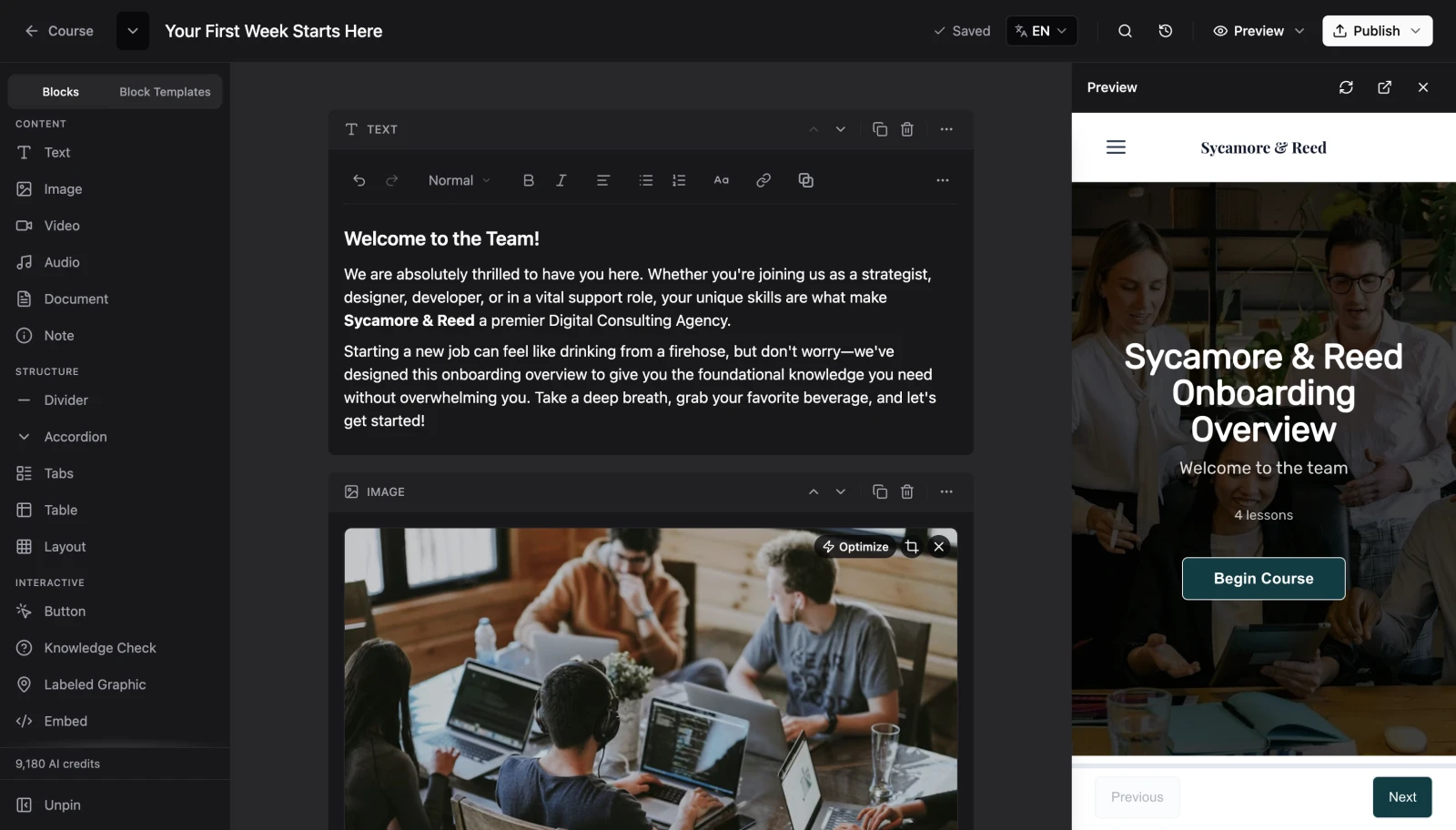
Brief Slate in the editor on a full course or a single lesson. Drop in source documents, pick from 15 languages. Slate drafts. You refine.
Two-minute setup with Claude, Codex, Copilot, or Cursor.
Plans for solo creators and teams
Build training your team, customers, or students will actually finish.
Slate is at capacity, so we have paused new signups on every plan, free and paid, while we work through some planned product changes. Existing accounts keep full access to everything they have today. Signups reopen here once we are ready.
- Build up to 5 courses
- Start from Canva, Slate, or LESSON.md
- AI writing, images, and question generation
- SCORM-ready course exports
Signups paused
- Build up to 100 courses
- Collaborative editing: build courses togetherNew
- Live voice course planning
- Connect your AI assistant via MCP
- Review tool with password-protected reviewer links
- Multi-language SCORM in one export
Signups paused
- Build unlimited courses
- 3× the AI credits and storage of Standard
- Team workspaces: shared editing, pooled credits & storage
- Centralized billing: one invoice for your whole team
- ElevenLabs premium narration
- Batch import 25 courses at a time
- Priority support
Signups paused
Buying for a team? Build a team plan →AI credits refresh every month. ·
Works with your tools
Direct integrations with Canva, Claude, and ElevenLabs. Paste any other link and Slate handles the rest.





From the blog
Notes on building better courses
Copy lessons as Markdown, paste them back in
Copy any Slate lesson as Markdown in one click, revise it with your AI chat app, and paste it back in. No file handling required.
Customize your course menu and navigation
Hide the menu, group lessons into accordion sections, add search or an Exit button, lock the order, require completion, or pace each lesson. Every course menu and navigation control in Slate.
What's new in Slate: May 2026
Team Themes, knowledge-check attempt limits, a writing style for Slate AI, and a Credits page in Settings, plus live voice planning, faster translation, Codex MCP support, and referral credits.
Everything you need to create, manage, and deliver.
Plans for every stage, from your first course to a full library.
From brief to draft course
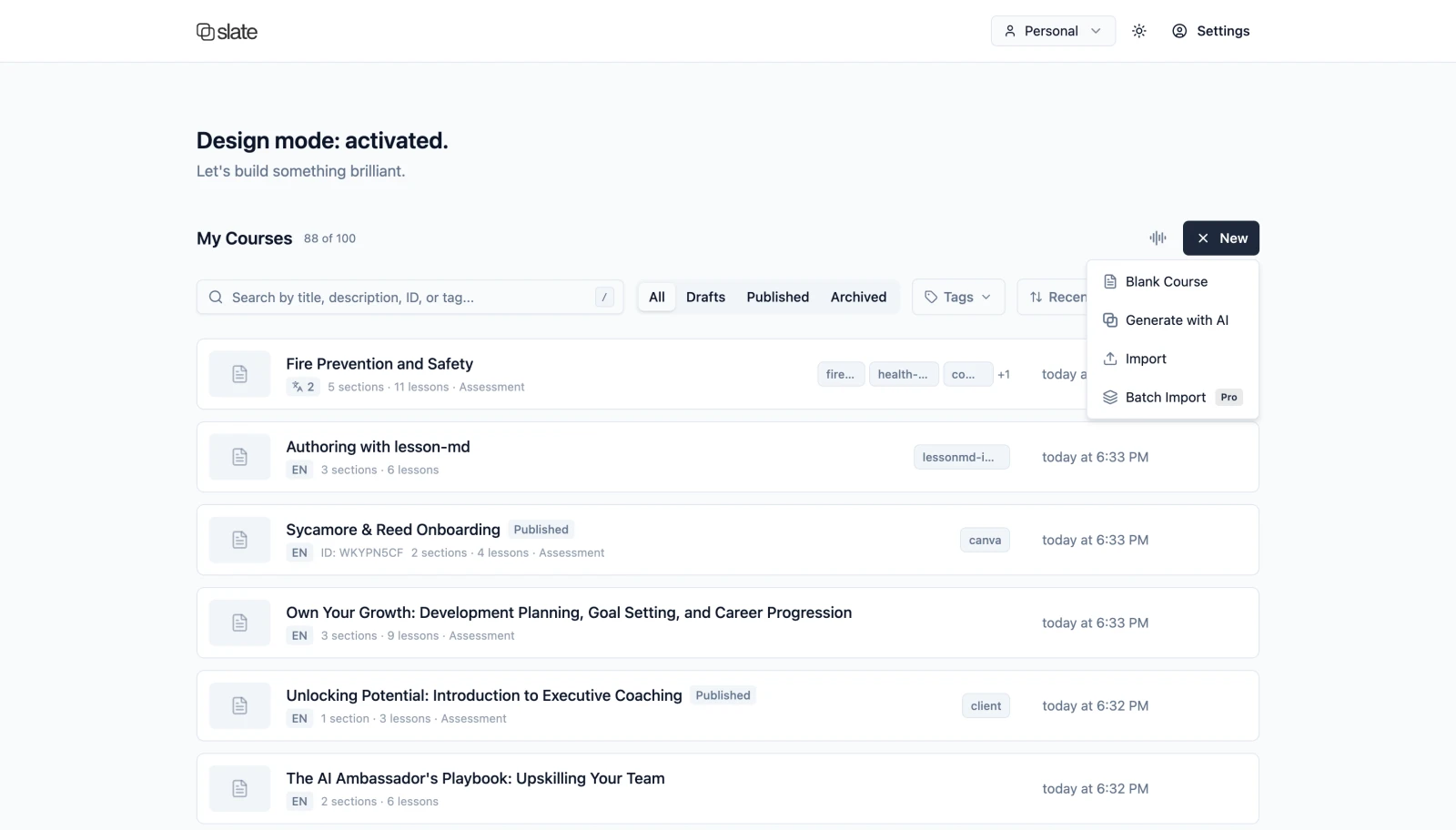
AI helps you draft, expand, and polish lessons in minutes. Every word stays editable in the builder before you ship.
Interactive code blocks
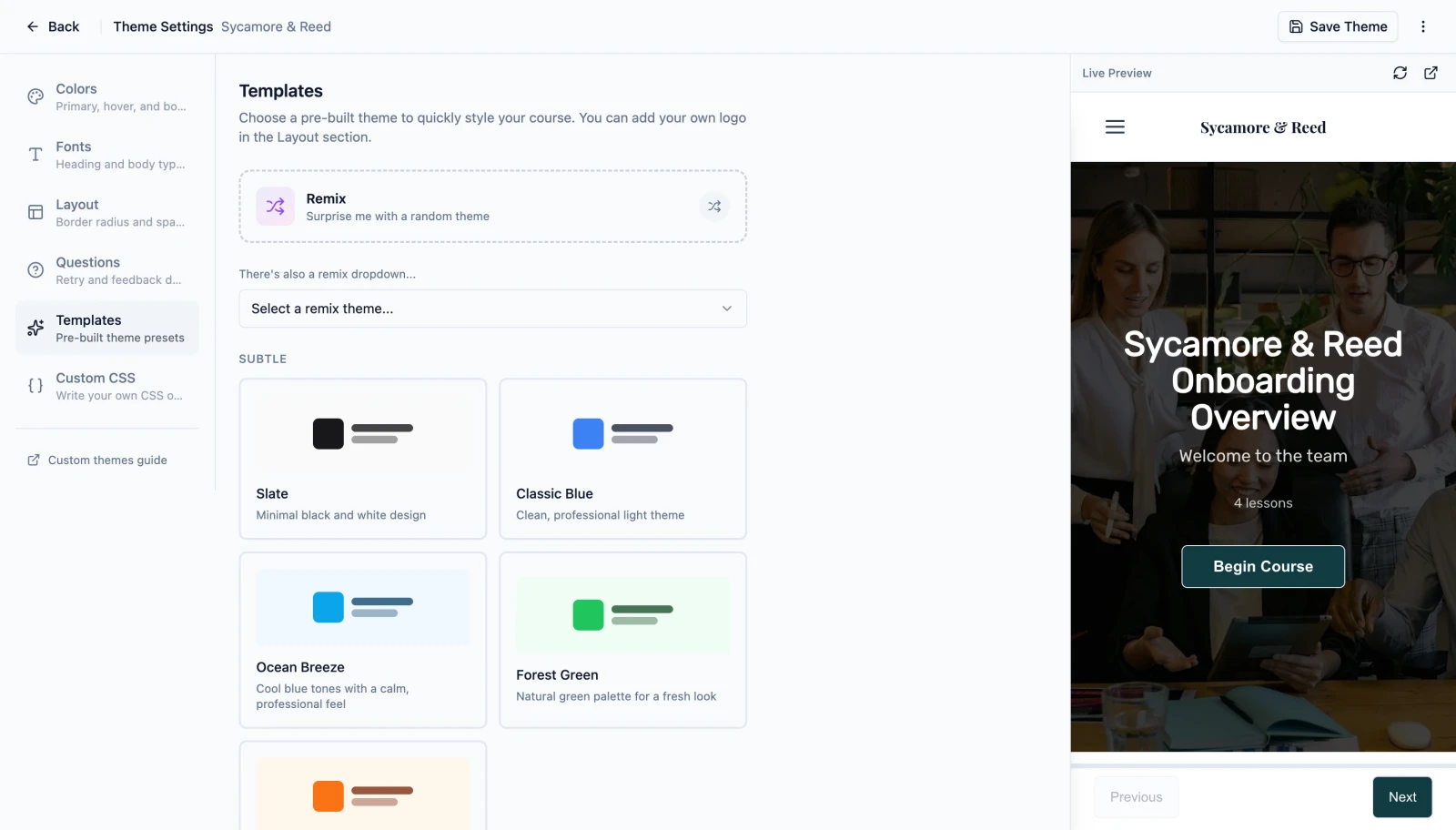
Describe what you need. Slate produces theme-aware components you can drop into any lesson.
Voice every lesson
Narrate with built-in voices on every plan. Upgrade to studio-quality voices on Pro.
Review without email chains
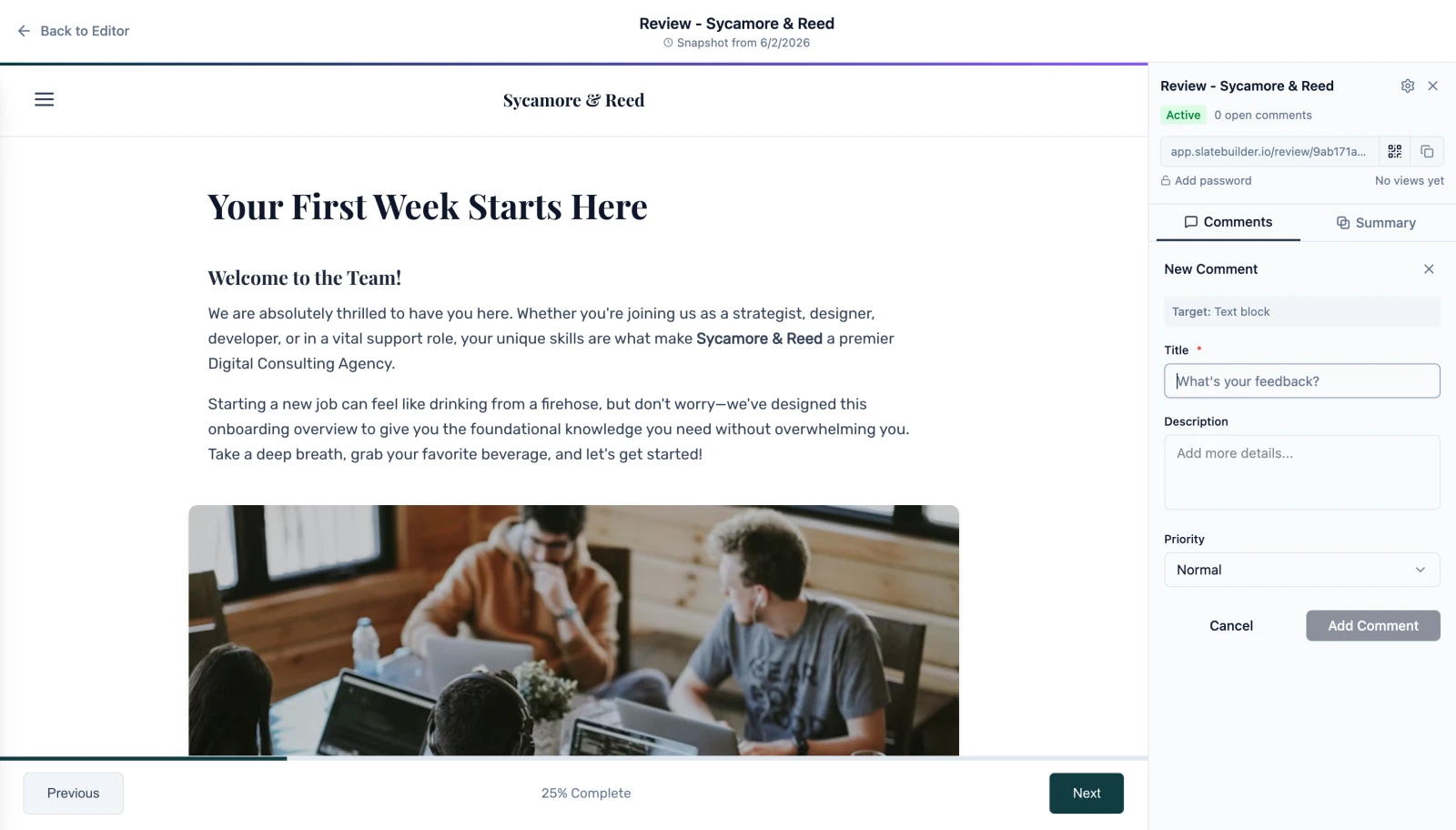
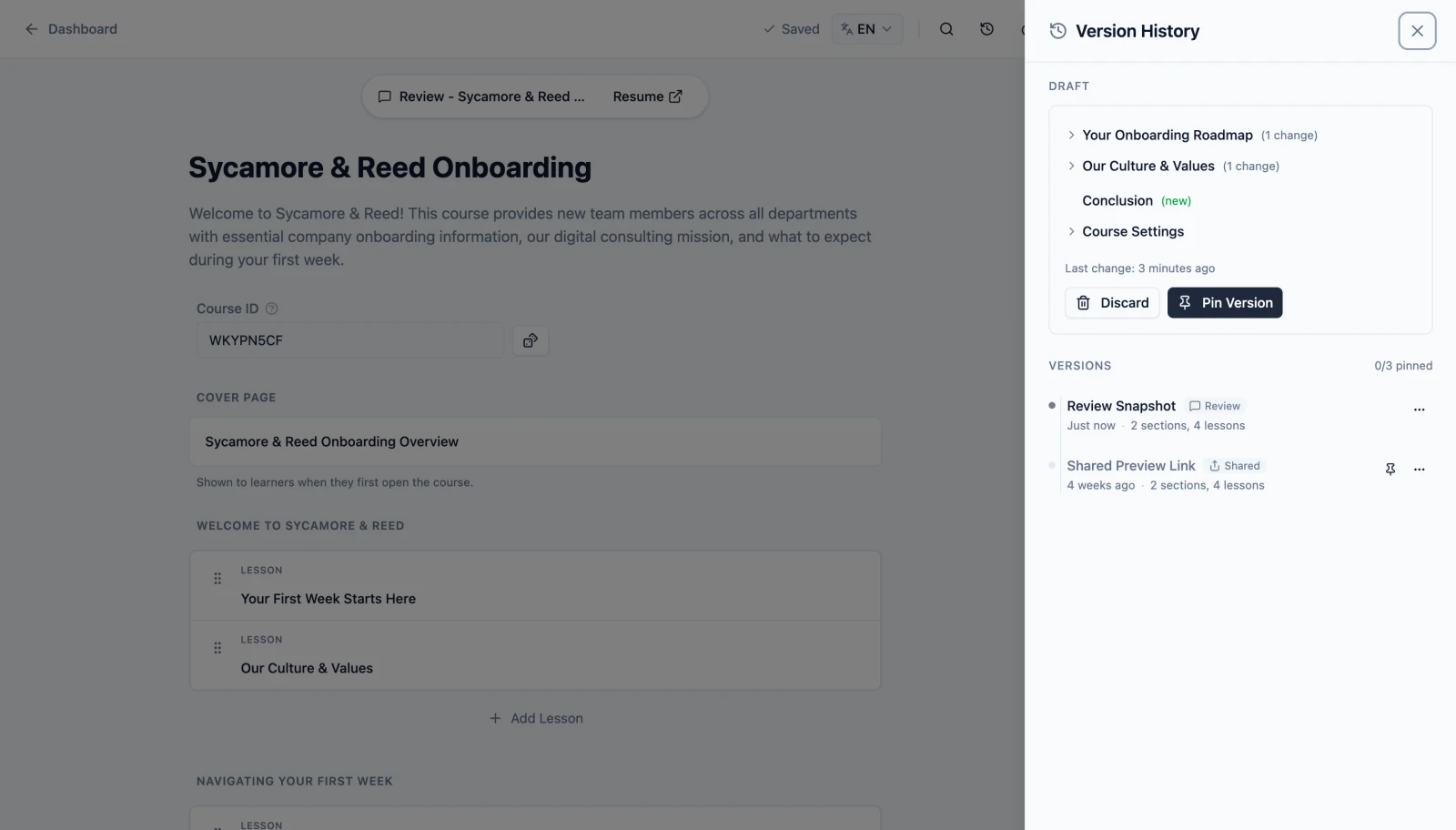
Share password-protected review links. Resolve stakeholder feedback inside the editor with AI summaries.
Ship to any LMS
Export SCORM, xAPI, or cmi5 packages for any Learning Management System. Validated with SCORM Cloud.
One course, every language
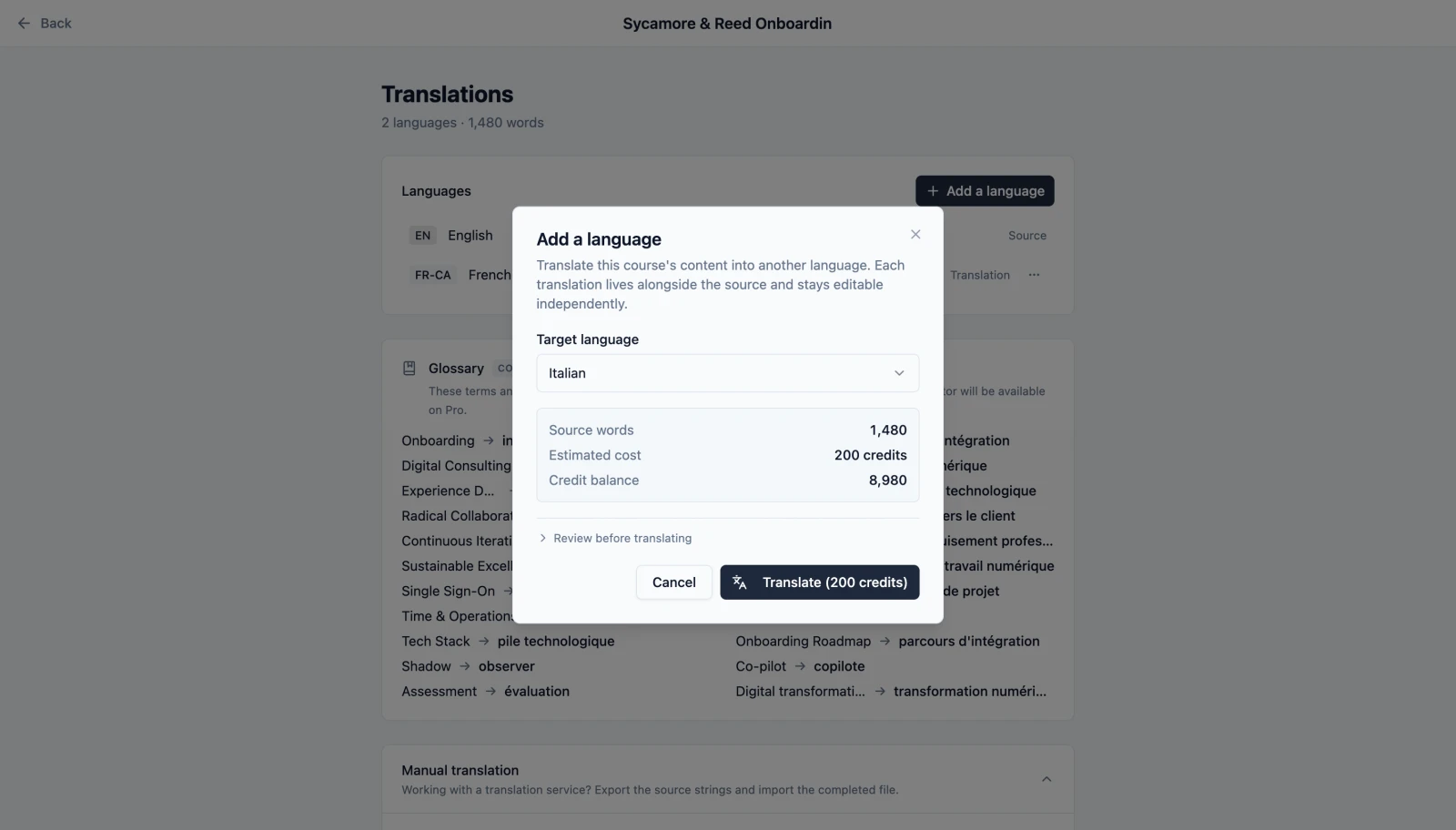
On Standard and above, translate courses and export multi-language SCORM from a single source. No duplicate assets, no extra tools.
Frequently Asked Questions
Your blank canvas, ready when you are.
Have a look at what each plan includes for when we reopen.
Slate is at capacity, so new signups are paused on every plan. Existing accounts are unaffected.