What's new in Slate: summer 2026
We've shipped quite a few updates over the summer. Some were bigger releases, like Slate for Canva. Others were smaller improvements to how you build, export, and share courses. Here are a few from July through mid-September worth a look.
Slate for Canva is live
We launched Slate for Canva in August, and it's already had over 200 installations in just a few weeks. Thanks to everyone who's given it a try.
Slate for Canva turns a presentation into an interactive course draft. Set your audience, learning objectives, and tone in Canva, then open the draft in Slate to edit and export it for your LMS. The app is free to install; course generation uses Slate AI credits.
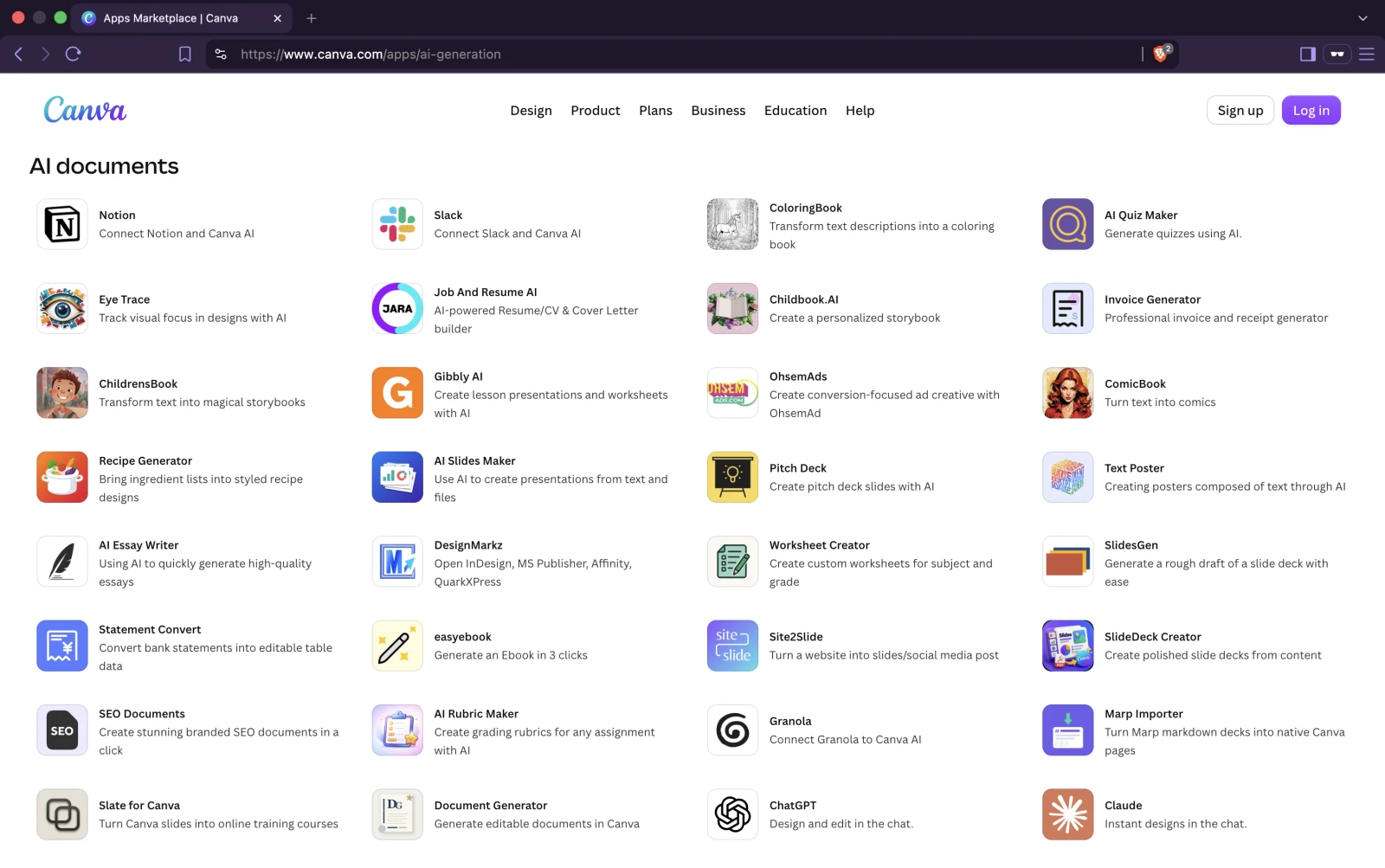
Get Slate for Canva in the Canva Apps Marketplace.
A reading font designed for low vision
Slate now includes Atkinson Hyperlegible Next, a font developed by Braille Institute in partnership with Applied Design to make reading easier for people with low vision.

The design tackles a practical problem: letters and numbers like I, l, and 1, or O and 0, can be difficult to tell apart. Atkinson gives them distinct shapes and uses more open spaces inside letters to help readers recognize each character. That attention to detail is why we wanted it in Slate courses.
Learners can try it under Settings → Display → Reading font, alongside text size and high contrast. It's optional, so anyone who prefers your course's original fonts can keep them. No setup needed from you.
The font is bundled into interactive course exports and adds about 100 KB to the ZIP. No font download or installation needed for learners. It's available on every plan, including Free, for 12 supported language options. Chinese, Japanese, and Hindi keep the course's original fonts.
For courses already uploaded to an LMS, export a fresh package and replace the old one to include it. Reading font details and supported languages.
Word and PDF downloads in every course language
Previously, Word and PDF exports only included the source language. Now, if your course has saved translations, you can download those too.
Choose Export → Document, pick Word or PDF, and turn on Include translated versions. You'll get one ZIP with a separate document for the source language and each saved translation, with language codes in the filenames. An English course with French and Spanish translations gives you three Word files or three PDFs, depending on the format you chose.

Handy for translated handouts, offline reading, or sending copies to someone for review. Leave the switch off for the usual source-language file. Word and PDF exports require Standard or Pro. More on document exports.
Smoother courses on phones and in your LMS
We've tidied up the course player on smaller screens. Bottom navigation stays above phone controls and follows the visible screen area as Safari's toolbar opens and closes. Headers, logos, cover pages, and navigation also fit better inside narrow LMS windows.
On very small screens, carousel controls move below the card to leave more room for its content. Longer knowledge-check feedback can expand without getting cut off, and dark courses keep their background colour when you scroll past the edge.
Finding your way around Slate Docs
We've reorganized Slate Docs to make it easier to find what you need across Slate Builder, LESSON.md, Slate MCP, and Slate for Canva. Pick the product you're working with to see its guides, or use search to look across the whole site. It works well on phones and tablets too, so you can look something up on whichever device is handy.

You can also point your AI assistant at Slate Docs to help find what you need.
A few smaller improvements and fixes
- Gemini 3.7 Flash: a new option in the model picker for course generation in Course Chat and lesson generation from Course Overview. Available on all plans, including Free, with the usual AI credit costs. Gemini 3.1 Pro remains the default.
- Broader Articulate Rise import support: Slate now recognizes more ways Rise stores content inside its SCORM packages, so it can import courses it previously couldn't read. This applies to individual imports and Pro batch imports. More on importing Rise courses.
- Copy and paste block styles: use a block's three-dot menu to copy its background, spacing, and other supported styles to another block, even in a different lesson.
- Course details in Markdown: we added COURSE.md to the LESSON.md spec and added support to the lesson-md skill too. Your course bundle can include its title, description, author, duration, course ID, and language. Slate picks those up on import, saving you the title-page cleanup. How it works.
- A fix for translation editing: some translated fields couldn't be edited from Course Overview. We've filled that gap: course, section, and lesson titles, plus the course description, can now be corrected in each language.
- Credit pack checkout on Free: thanks to a customer report, we fixed an issue that prevented some Free accounts from buying AI credit packs. You can top up your credits without changing your plan.
- Cleaner Slate AI chat transitions: typed messages now carry cleanly into a new Course or Lesson Chat, with focus ready for you to continue the conversation.
- Your hover colour across the Player: the cover-page start button and optional scroll indicator now use the hover colour from your theme, matching the Player's other primary actions.
- Slate MCP in larger shared libraries: course lists can now continue beyond the first 50 results without duplicates or gaps. Tag filters also work when a teammate added the tag to a shared course, and larger bulk tag updates report what remains so you can continue safely.
- Control SCORM question reporting: new SCORM exports let you choose whether to send question-level responses to your LMS. Reporting defaults to off for SCORM 1.2 and on for SCORM 2004, while scores, pass or fail status, completion, and resume data continue to work either way.
The roadmap has more of what's shipped and what's coming next.
Thanks for helping us improve Slate
Many of these features and fixes started with feedback from course authors in Canada, Germany, Italy, Spain, and the US. Thanks for taking the time to report a bug, suggest an improvement, or tell us where something got in your way. We're listening, and we'll keep improving Slate based on what you share. If you have feedback, we'd love to hear it.