The Slate referral program is live
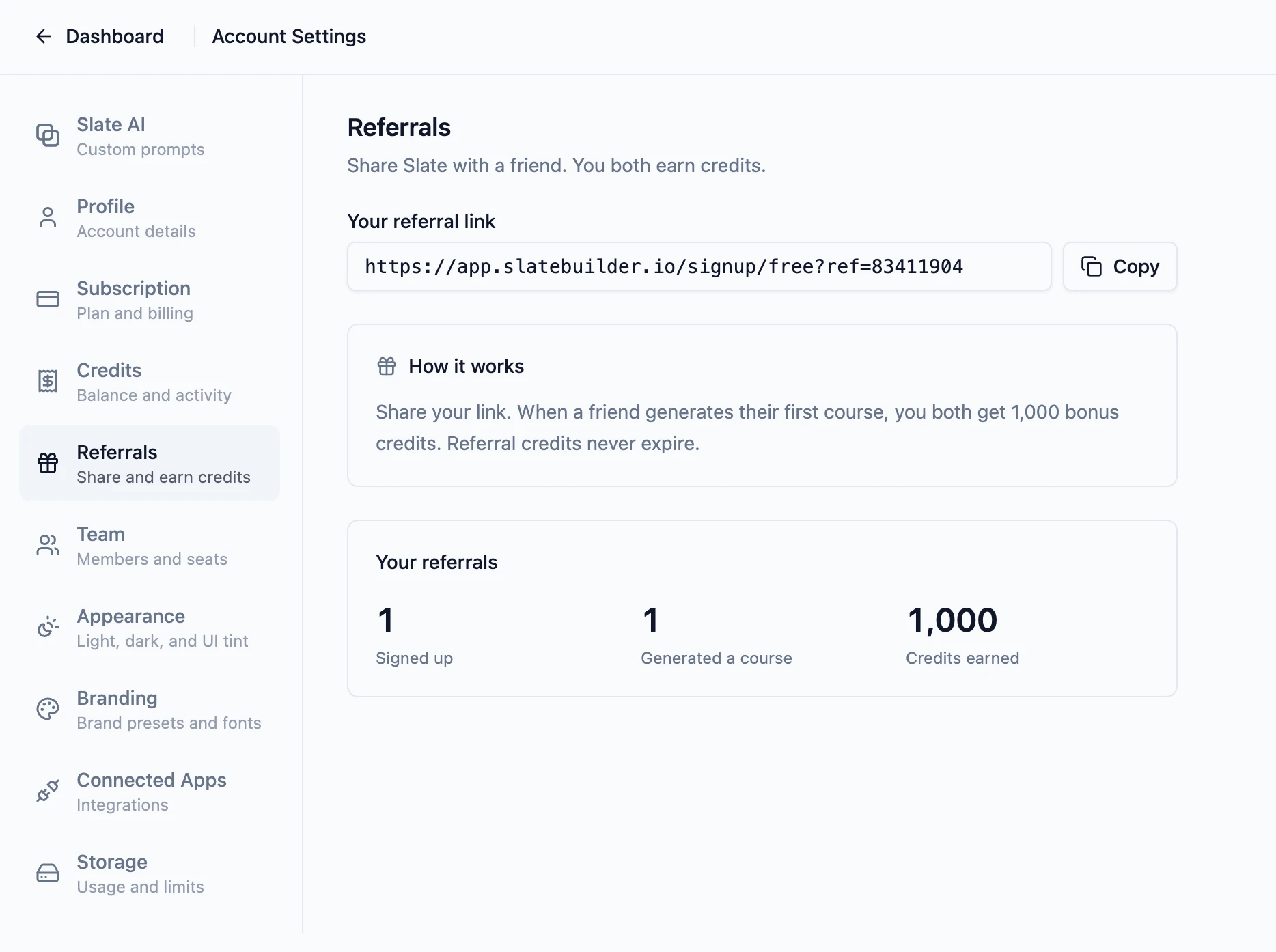
Slate now has a referral program. Grab your personal link from Settings › Referrals and share it with a friend. The moment they generate their first course, you both earn 1,000 purchased credits that never expire. The reward posts to your Credits page automatically.
How it works
Open Settings › Referrals and copy your link. Send it to a friend, post it once on social, or drop it in a community thread. The link tracks the connection, but credits only land once your friend generates their first course, so feel free to share it widely.
The same page has a small stats card showing your signups, first courses generated, and credits earned. The people you invite are never named.
What your invitee sees
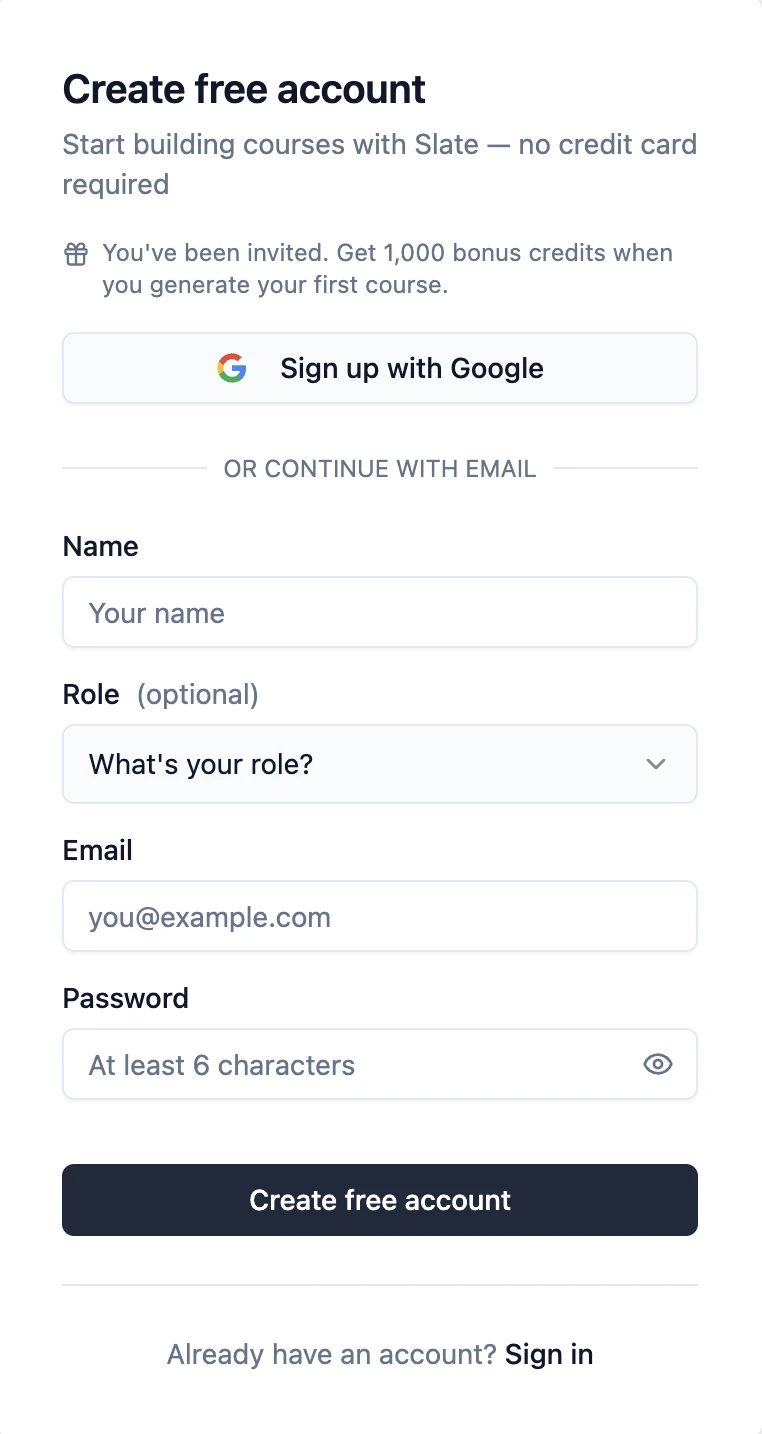
When someone opens your referral link, the Slate signup form shows a small line above the fields: "You've been invited. Get 1,000 bonus credits when you generate your first course." They sign up normally. No coupon code. No fine print.
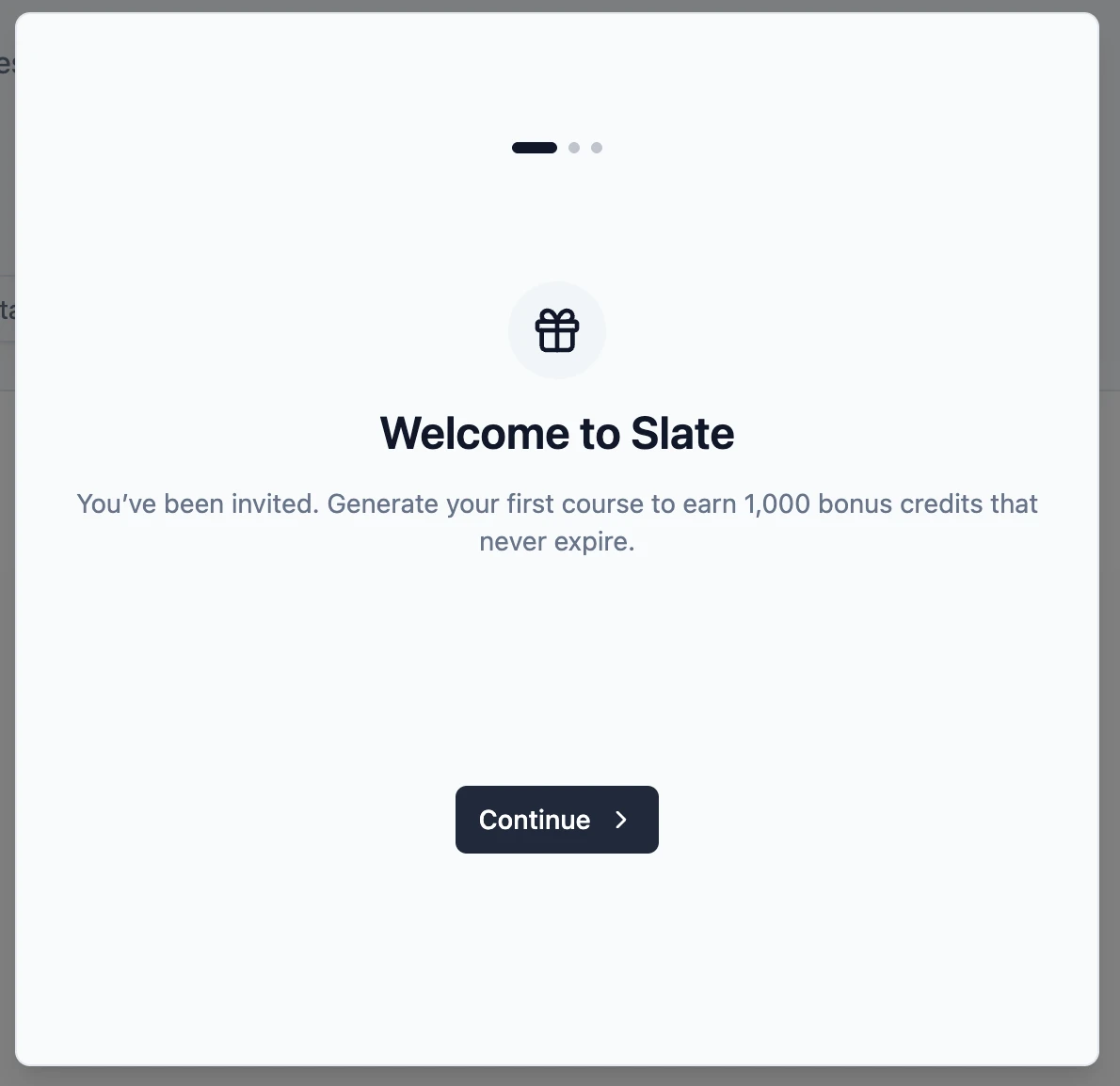
The first time they sign in, the onboarding flow adds a welcome step that reiterates the offer. Non-referred accounts never see it. The bonus itself lands the instant they generate their first course; the welcome step is just a reminder of what is waiting.
Every referral lands in your Credits page
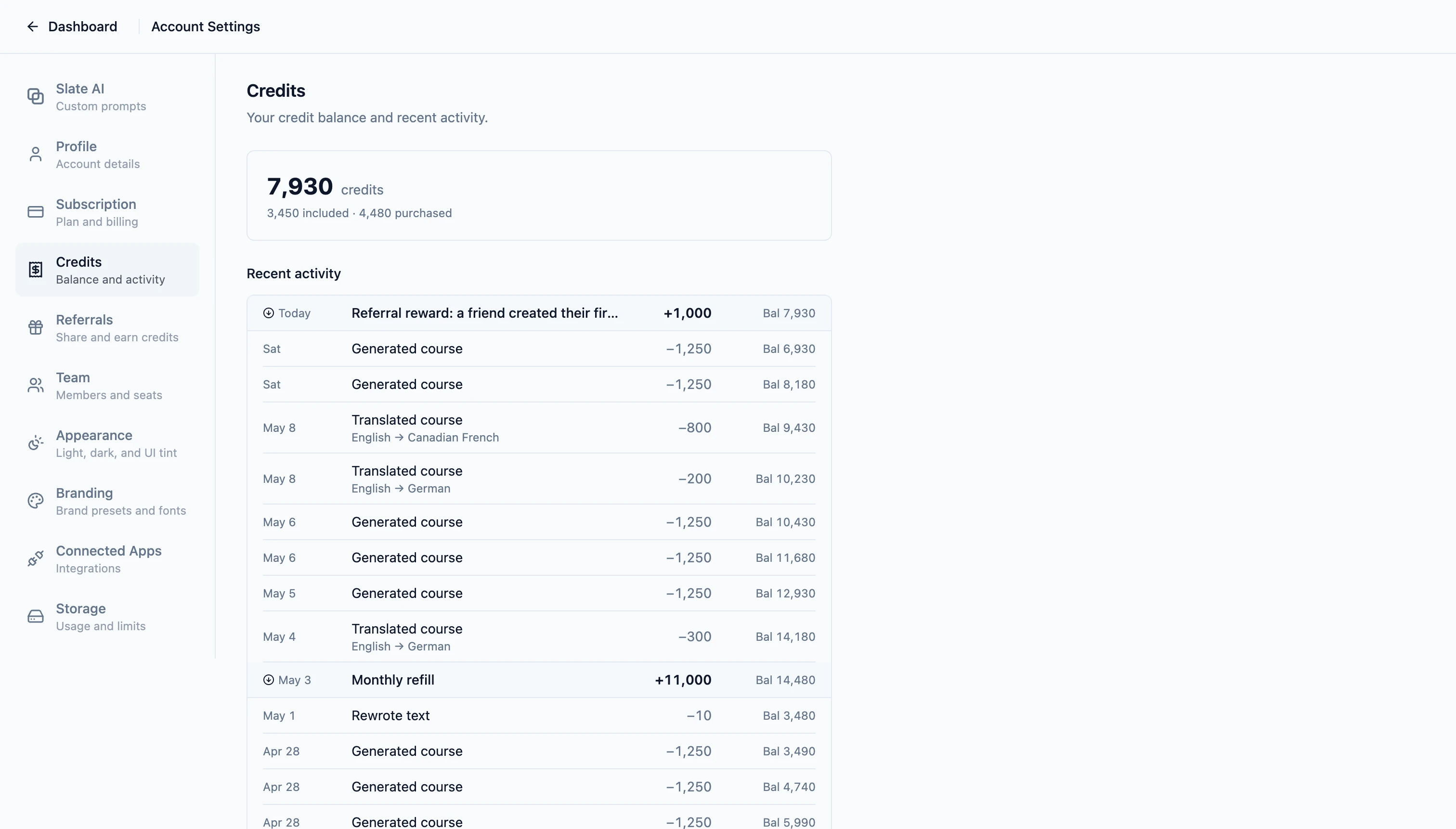
The Credits page in Settings is a running log of every AI credit your account has used or refilled, with timestamps and a per-feature breakdown. The instant your friend generates their first course, two entries appear: a referral reward on your account, and a welcome bonus on theirs. The same page is also where to look when you want to see how much your referrals have added up to over time.
Where to start
The Referrals page is available on every plan. Open Settings › Referrals, copy your link, and send it to a friend who would find Slate useful. New to Slate? Sign up free and your referral link will be waiting in settings as soon as you are in.