New in Slate: Process and Timeline blocks
Slate has two new block types: Process and Timeline. They give course authors dedicated ways to explain a sequence of steps or show how events unfold over time.
Both blocks support vertical and horizontal layouts, with standard, accent, and minimal styles. You can build both blocks visually in Slate. If you prefer working in Markdown, LESSON.md v1.9 supports them too.
Process: explain a sequence of steps
Use a Process block when learners need to understand what happens first, next, and last. It works well for procedures, onboarding workflows, troubleshooting, and the stages of a project.
Each step has a title and supporting content. Steps are numbered by default, but you can use your own labels.
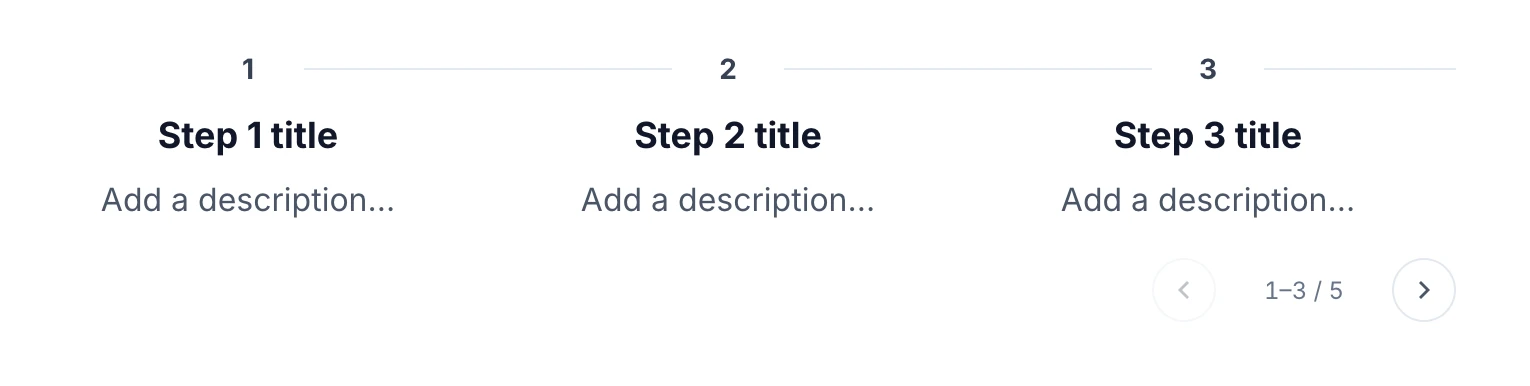
Here is an example Process block in LESSON.md Markdown:
::: process
orientation: horizontal
style: minimal

## Identify the issue
Ask what the person expected to happen and what happened instead.

## Check the basics
Confirm the connection, account access, and any recent changes.

## Escalate with context
Record what you tried and pass the details to the right team.
:::
Timeline: show events and milestones
Use a Timeline block when the order of events matters. It is a useful fit for company history, project milestones, policy changes, or the stages of an incident.
Each event has a title and supporting content. Optional labels can show dates, years, or phases, helping learners connect each event to its place in the sequence.
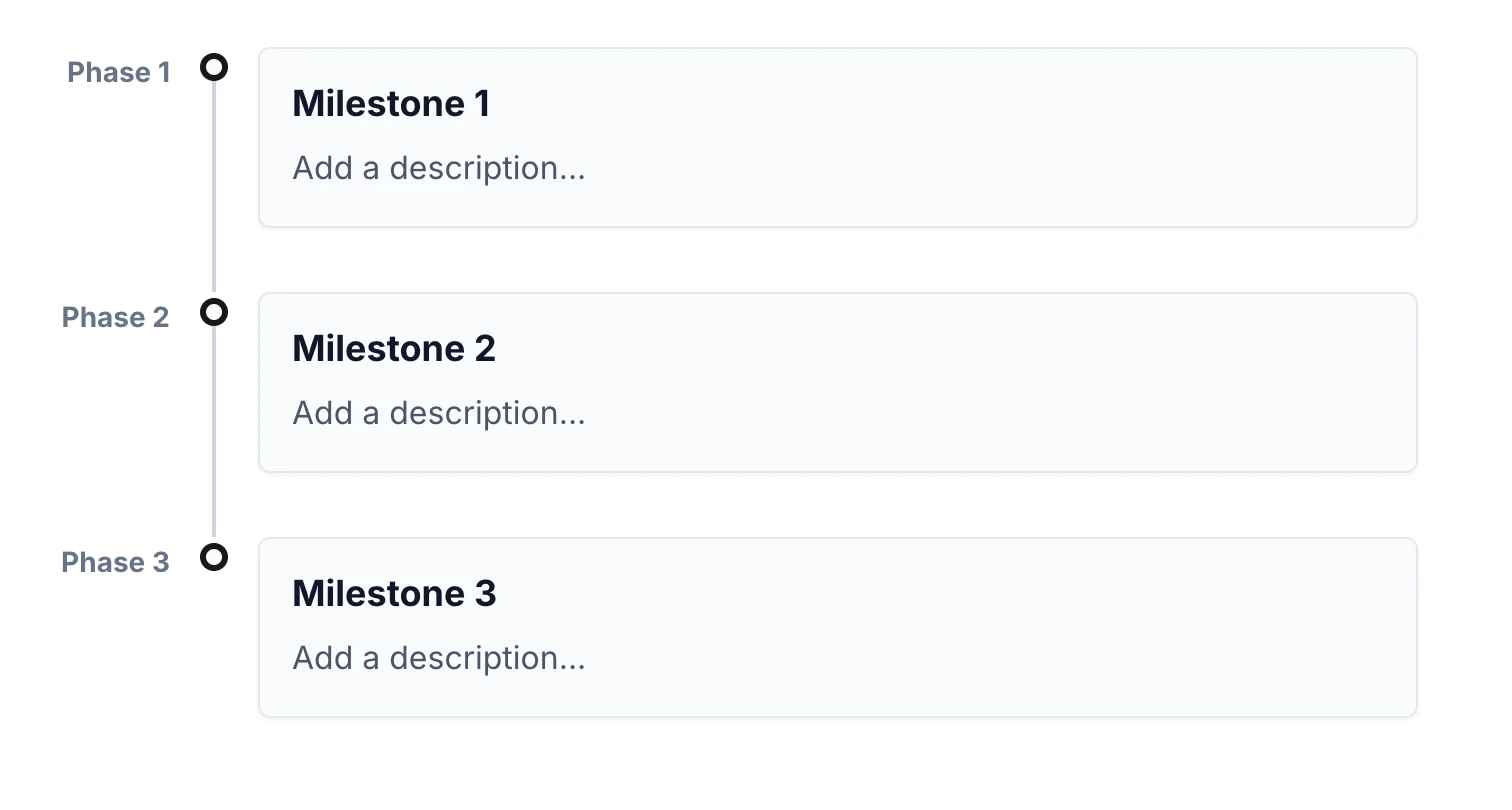
Here is an example Timeline block as LESSON.md Markdown:
::: timeline
orientation: vertical
style: accent

## Discovery
marker: January

Interview the team and identify the training needs.

## Pilot
marker: March

Test the course with a small group and collect feedback.

## Rollout
marker: June

Publish the revised course and introduce it to the wider team.
:::
New in LESSON.md v1.9
LESSON.md is the open Markdown format for eLearning content. Version 1.9 adds the ::: process and ::: timeline directives used in the examples above.
Each heading becomes a step or event. You can also choose the layout, style, and labels in Markdown.
That means a step-by-step workflow or a timeline can live alongside the rest of your lesson in a readable Markdown file. Course authors can write the Markdown themselves or work with an AI assistant to draft it, then import the LESSON.md content into Slate to refine the learner experience.
For more on authoring eLearning in Markdown, explore the LESSON.md documentation and the free lesson-md agent skill.
Try Process for the actions learners need to follow, and Timeline for the milestones they need to understand.