Your AI now writes eLearning courses in Markdown
At a glance
- LESSON.md is an open Markdown format for eLearning content. Author lessons in Claude Code, Codex, VS Code, or any text editor.
- The lesson-md agent skill (free, MIT-licensed, ~30KB) drops into Claude or any agent that supports the open skills format. Your AI writes the LESSON.md files and validates them before handing the folder over.
- Import the folder into Slate and you get a fully interactive, SCORM-ready course. Sections, lessons, knowledge checks, a scored ASSESSMENT.md, and bundled media all come along.
- The round trip works too. Any Slate course can be converted back to LESSON.md at lesson.md/convert. It runs in your browser. Nothing is uploaded.
- Free on every plan. Free accounts share a 5-import cap with Slate and Rise imports.
- Where to start: sample bundles and the free skill download are available at lesson.md. Full spec at docs.slatebuilder.io/lesson-md.
A Slate course can be authored almost entirely outside of an eLearning tool. Write a folder of LESSON.md files in Claude Code, in Codex, in VS Code, or in any Markdown editor. Drop the folder into Slate's import flow. You get a fully interactive, SCORM-ready course on the other side.
LESSON.md is the open, portable file format we first introduced in March 2026. It covers nearly every block Slate supports, including labelled graphics, accordions, tabs, layout grids, knowledge checks, flip cards, and tables. A whole course can ship into Slate as a folder of those files.
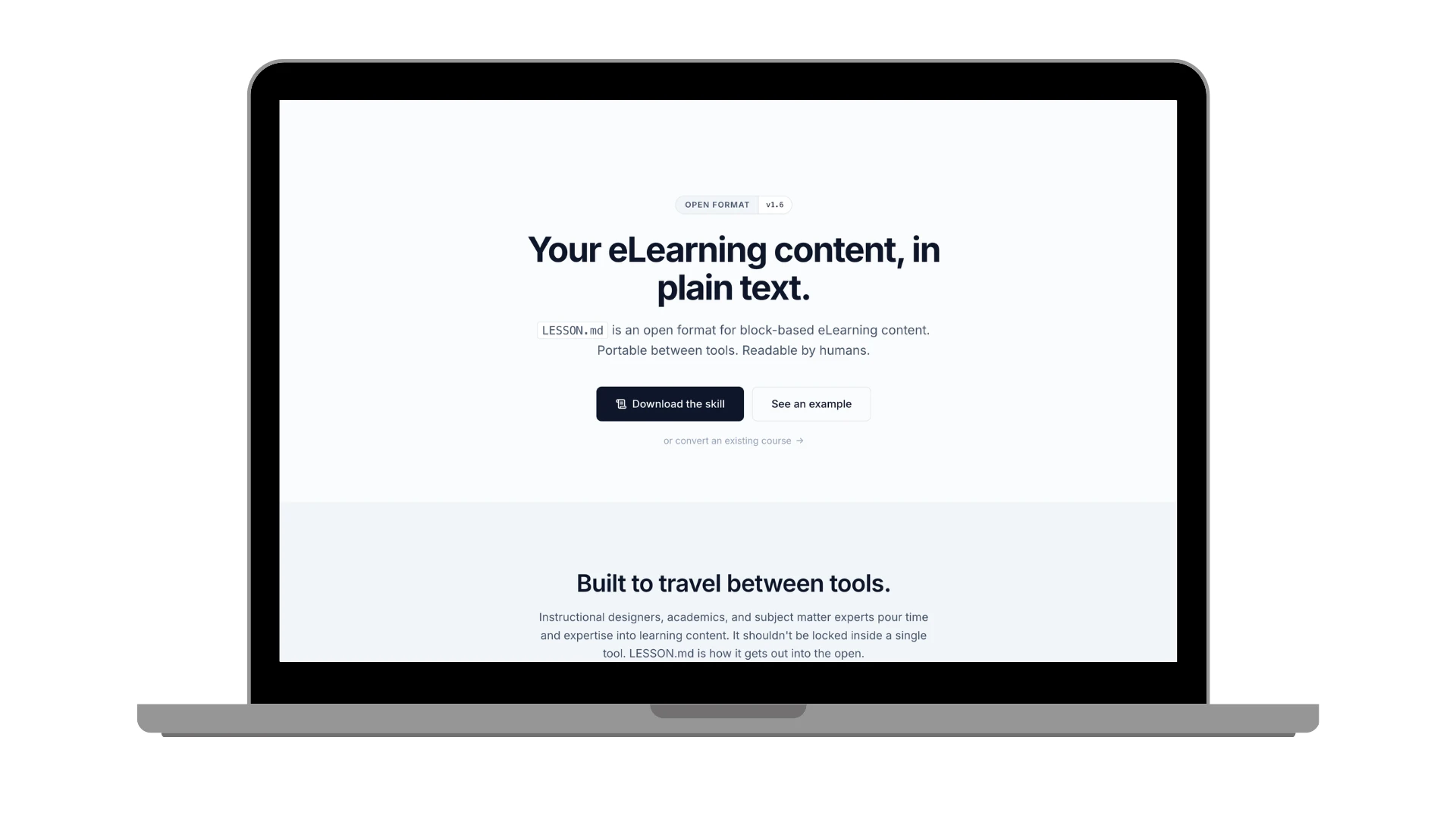
About Markdown: a plain-text format for structured writing. A few simple symbols do the work: # makes a heading, - starts a list item, ** bolds a word. If you have written a Notion or Obsidian page, or copied text out of Claude or another AI tool, you have used Markdown.
Course content as plain text
The shift here is small to describe and big in practice. Course content can live as plain files instead of being locked inside an authoring tool. Files you can keep in any folder, share with anyone on your team, edit in any text editor, and open months later without launching a special program. When the next tool comes along, your content moves with you.
For course authors working with AI tools, it also smooths out the handoff. You can ask Claude or Codex to draft a course, then read what it wrote in your editor, tighten up the writing, swap an example name, edit a knowledge check, and zip the folder when it is ready. No copy-pasting out of a chat window, no reformatting on the other side.
What a course looks like as files
Slate accepts a zip of LESSON.md files in either of two layouts. Flat is one section of ordered lessons:
workplace-comm.zip
├── 01-welcome.md
├── 02-open-with-intent.md
├── 03-listen-for-the-request.md
├── 04-close-with-a-next-step.md
└── media/
    └── active-listening.png
Best for short, single-topic courses.
Foldered uses subfolders to set sections:
customer-service.zip
├── 01-introduction/
│   ├── 01-welcome.md
│   └── 02-why-it-matters.md
├── 02-during-the-call/
│   ├── 01-acknowledge-before-acting.md
│   └── 02-handling-uncertainty.md
├── 03-wrap-up/
│   ├── 01-close-the-loop.md
│   └── 02-summary.md
└── ASSESSMENT.md
Numeric prefixes set the order. Folder names become section titles (the prefix drops, dashes become spaces, and the first letter is capitalized). Any README.md is ignored, so you can keep notes in the folder without them turning into lessons. A media folder at the root, or inside a section folder, bundles your images and audio. The LESSON.md bundle docs have the full layout rules and a downloadable sample of each kind.
The ASSESSMENT.md at the zip root is optional. Include one and Slate adds a scored assessment section at the end of the course. The file is a LESSON.md with two small additions: a few extra frontmatter properties (attempts, pass, randomize) and a narrower block set focused on the question types that work in a scored context. Same Markdown, slightly stricter rules.
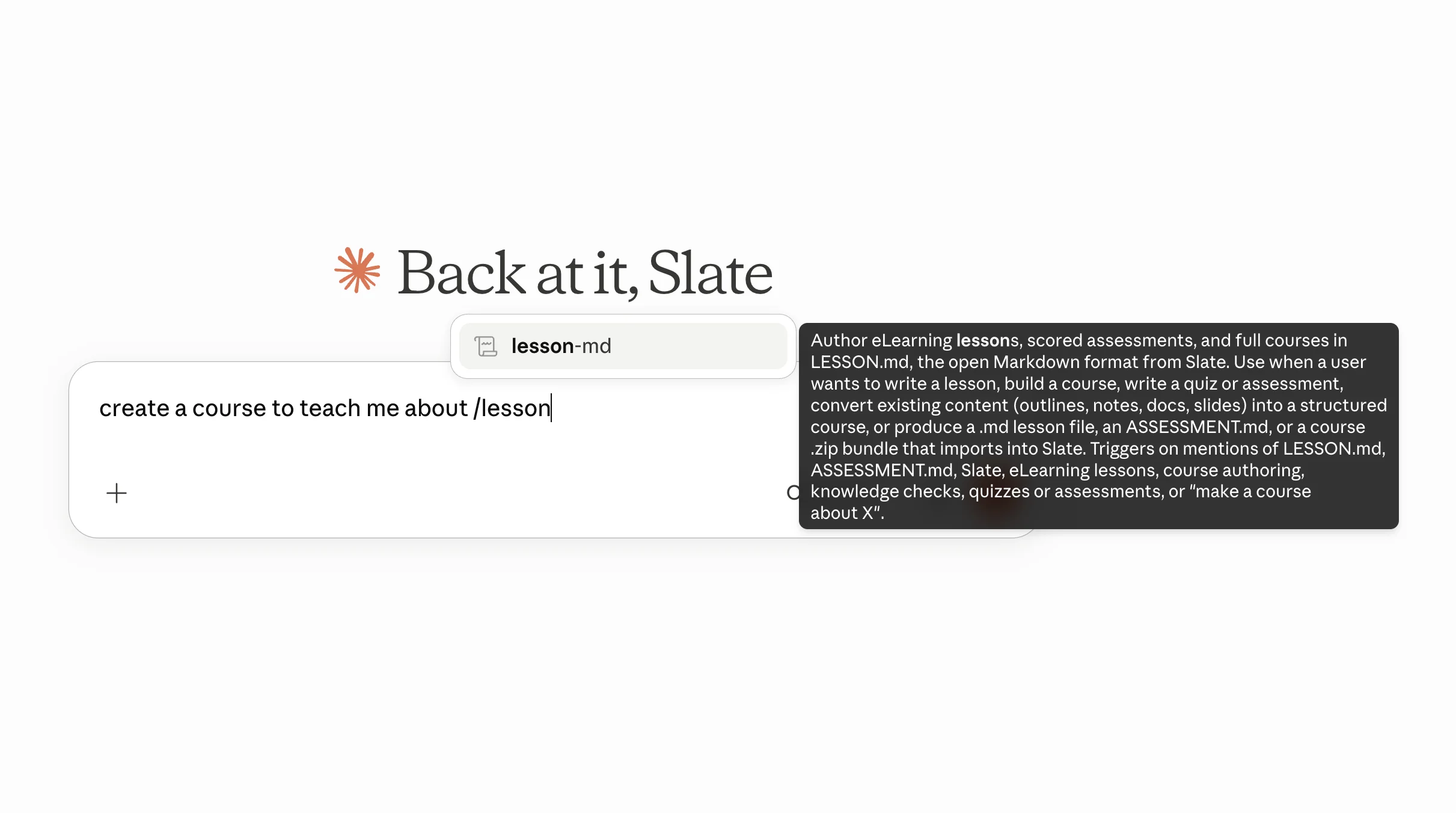
/lesson-md slash command in supported clients.The lesson-md agent skill
The shortest path from "I need a course on X" to a folder ready for import is the lesson-md agent skill. It is an open agent skill (MIT-licensed) that teaches your AI the LESSON.md format and the bundle layout rules in a single self-contained drop-in. Claude and Codex are officially supported clients; the format is open on purpose, though, so the skill works with any agent that supports the open skills format. The whole download is around 30KB.
You install the skill once, share your source content with Claude (or whichever AI you're using), and the AI drafts the LESSON.md files locally. The skill validates every file before handing the folder over, so format mistakes get caught up front and most courses import cleanly on the first try. Outputs are a single LESSON.md lesson, a scored ASSESSMENT.md, or a full course bundle ready to drag into Slate.
The skill bakes learning-design principles into the workflow rather than just block syntax: atomic lessons with one concept each, measurable objectives the learner can be observed doing, interactivity every few text blocks, reflection prompts in longer courses, knowledge-check feedback that explains why, and seat-time-aware sizing. The drafts you get back already follow the shape of a course that holds attention, not just a stack of paragraphs.
The skill assumes you have done the upfront work that any course-design project starts with: a learning needs analysis, SME interviews, the policy or playbook you are training on, prior decks, audience notes, an outline you have sketched. Drop those into the conversation and the skill turns them into a structured first draft. The closer your source content is to a clear picture of what learners need to do differently, the closer the draft lands to something you can hand to a reviewer.
Two example prompts:
"/lesson-md Here are the learning needs analysis, the SME interview transcript, and our safe-lifting one-pager. Build a 20-minute manual handling course for warehouse new hires, with a couple of knowledge checks."
"/lesson-md These three policy documents and our current manager onboarding deck cover overlapping ground. Combine them into a 25-minute course with a 5-question assessment at the end that I can import into Slate."
The skill is yours to modify
Unzip the folder, point Claude Code (or any text-editing AI) at it, and ask for the changes you want before re-installing: your writing style, your team's terminology and acronyms, course structures you reuse, audience-specific scaffolding for technical or regulated learners, brand-voice rules, anything else that would otherwise be a long preamble at every prompt. The skill is just Markdown plus two short standard-library Python helpers (a validator and a bundler), so there is no build step and nothing to compile. Re-zip the folder and drop the updated version into your agent.
The skill is free. Importing the folder into Slate requires a Slate account; the Free tier includes 5 imports. Download the skill from the lesson-md skill page.
By the way: if you are already connected to Slate MCP, your AI can also pull the LESSON.md spec and Slate's product docs through the documentation lookup tools. Handy when you want the format reference at hand inside a conversation that is also managing your library. For LESSON.md authoring itself, though, reach for the skill: it bundles the spec, the templates, and the validator into one drop-in.
You can also work in a Markdown editor directly without an AI in the loop. The format is human-readable, and the spec is short enough to skim.
Importing into Slate
When the folder is ready, zip it. In your Slate dashboard, click New and choose Import, then drop the zip on the upload area. Slate parses the structure, creates the sections, lessons, and knowledge checks, uploads anything in media/ to your library, and applies your saved theme so the new course matches your brand. The course opens in the editor for a final review.
The import flow is free on every plan. Free accounts share a 5-import cap with Slate and Rise imports.
And back again
Any Slate course can be converted back into a folder of LESSON.md files at lesson.md/convert. The converter accepts a SCORM export and gives you back a zip of LESSON.md files, with any bundled media tucked alongside. It runs entirely in your browser. Nothing is uploaded. Nothing is tracked.
The content of a course you build in Slate is yours, in a format you can read, in files you can keep wherever you keep the rest of your writing.
Where to start
- lesson-md agent skill: the free, MIT-licensed open skill that teaches your AI to author LESSON.md lessons, scored ASSESSMENT.md assessments, and full course bundles, then validate them before import.
- lesson.md: the open format landing page, with the spec and downloadable sample bundles.
- LESSON.md spec (v1.7): a full block-by-block reference.
- LESSON.md bundle guide: zip layout rules and bundle samples.
If you have not used Slate before, sign up free, draft a course in any text editor or AI tool, and import the folder into Slate. The shortest path from idea to interactive course just got shorter.