Bring anything.Ship a course.
Slate turns Canva presentations, PowerPoints, Markdown, and conversations into mobile-friendly eLearning courses.
No credit card. First draft in minutes.
'%3e%3cpath%20d='M25,2c-12.683,0%20-23,10.317%20-23,23c0,12.683%2010.317,23%2023,23c12.683,0%2023,-10.317%2023,-23c0,-12.683%20-10.317,-23%20-23,-23zM24.109,39.954c-6.781,0%20-11.176,-5.086%20-11.176,-12.782c0,-9.942%206.888,-17.128%2014.639,-17.128c4.69,0%207.486,2.361%207.486,5.573c0,3.313%20-2.395,5.658%20-4.436,5.658c-0.508,0%20-0.764,-0.249%20-0.764,-0.661c0,-0.917%201.478,-2.295%201.478,-4.896c0,-2.192%20-1.338,-3.569%20-3.53,-3.569c-4.69,0%20-10.029,5.541%20-10.029,15.124c0,5.657%202.809,9.753%207.346,9.753c3.924,0%207.314,-2.816%209.277,-6.797c0.174,-0.35%200.341,-0.51%200.531,-0.51c0.275,0%200.538,0.236%200.538,0.75c-0.002,2.324%20-4.163,9.485%20-11.36,9.485z'%3e%3c/path%3e%3c/g%3e%3c/g%3e%3c/svg%3e)
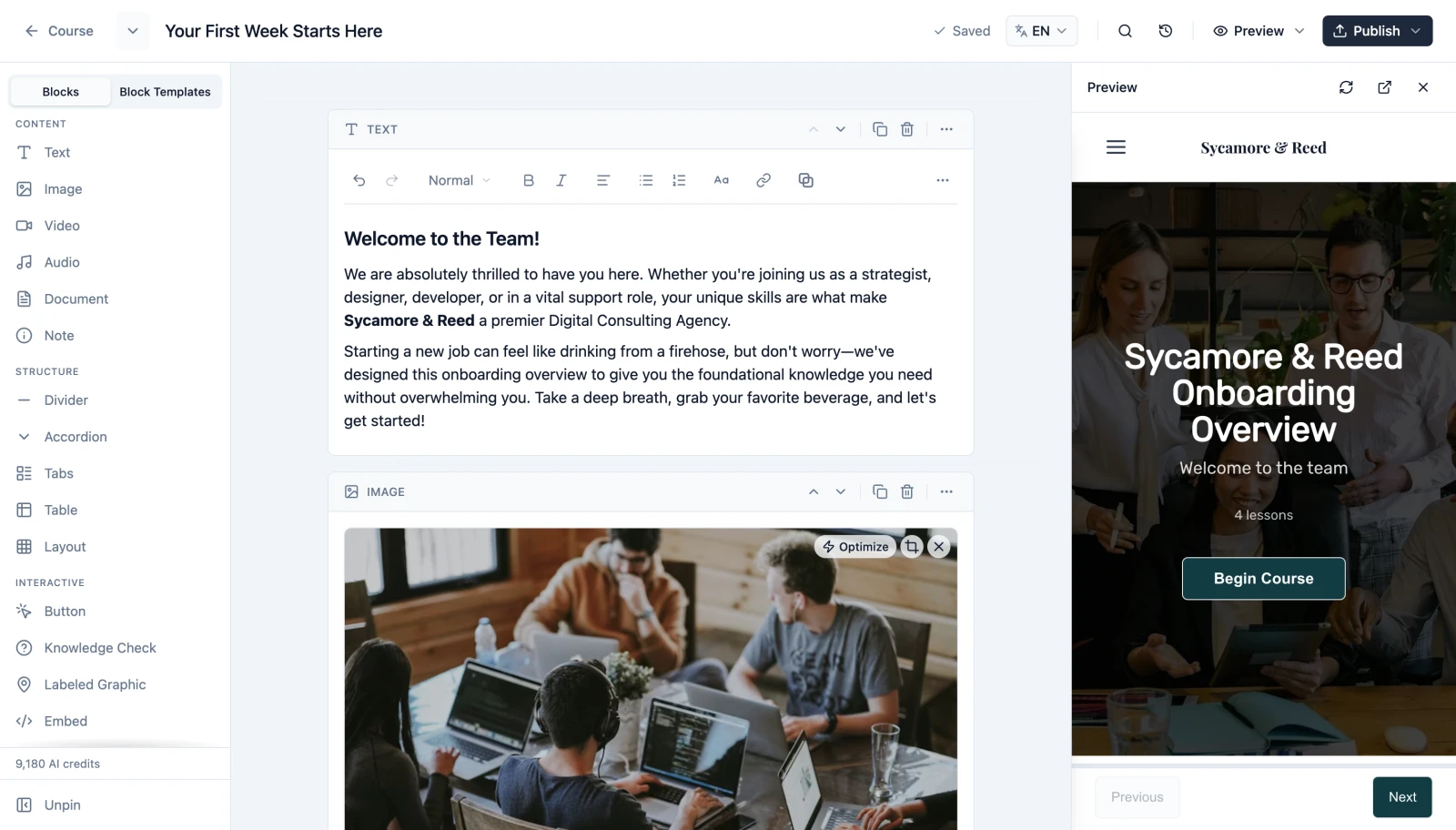
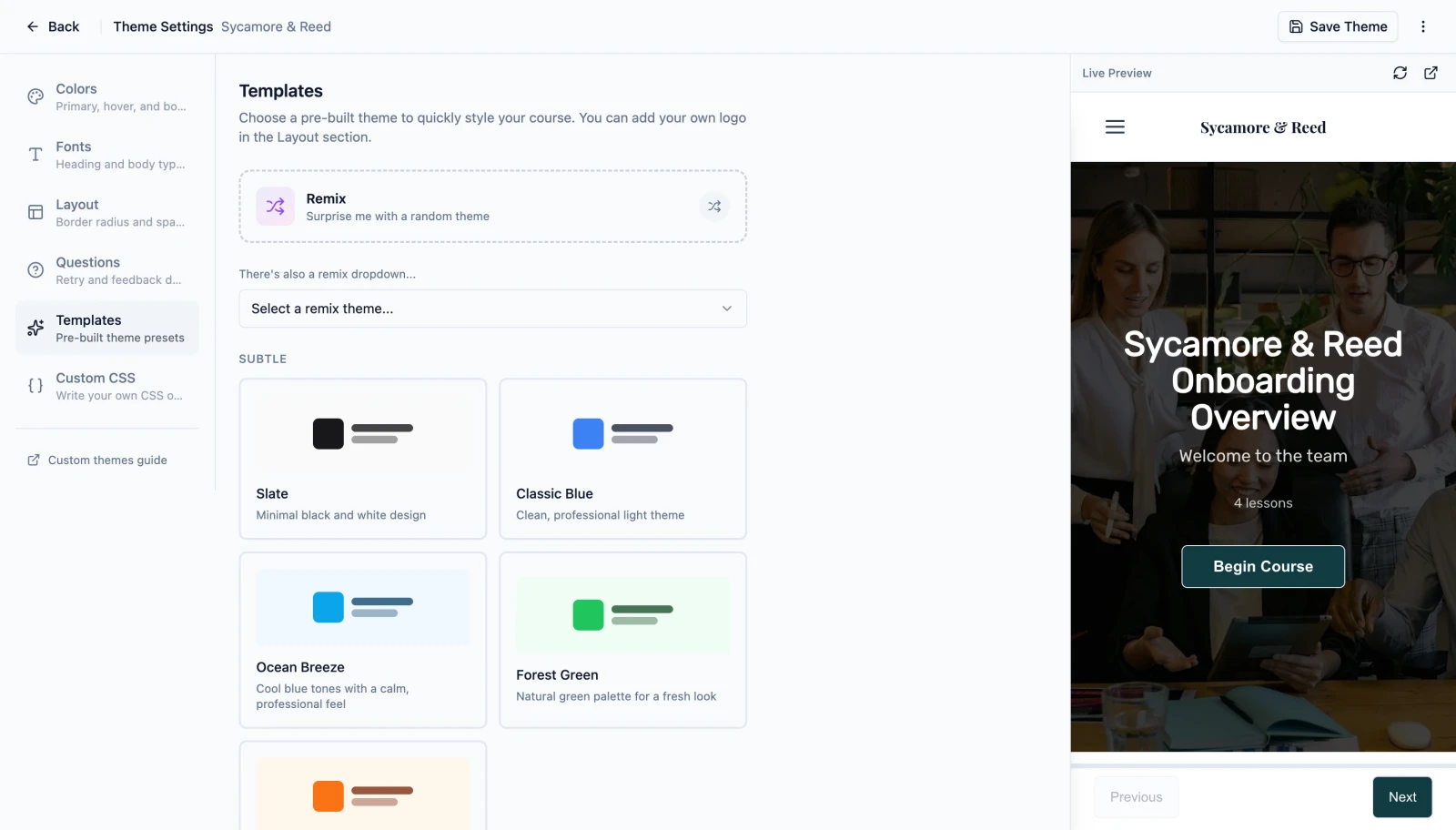
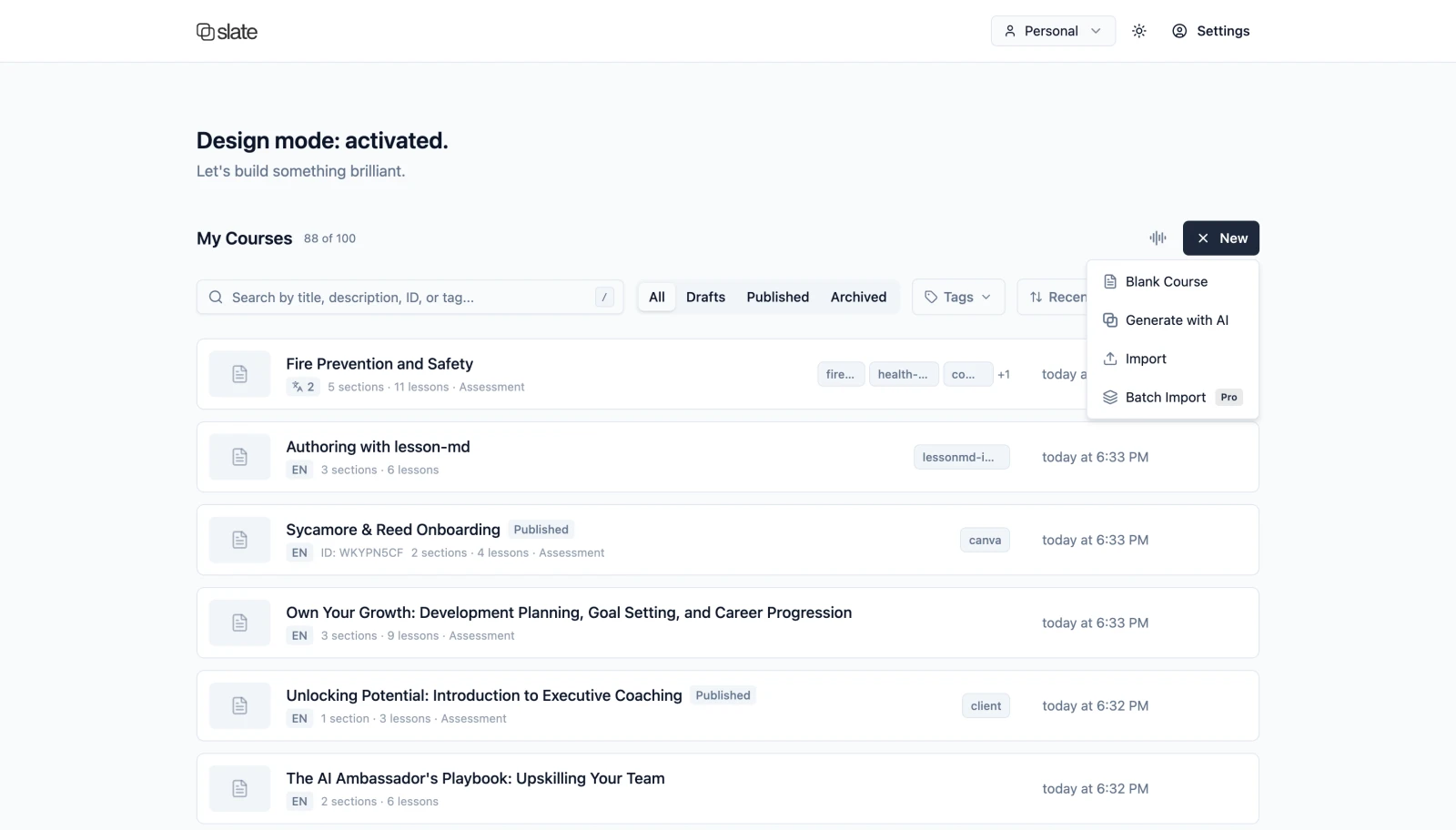
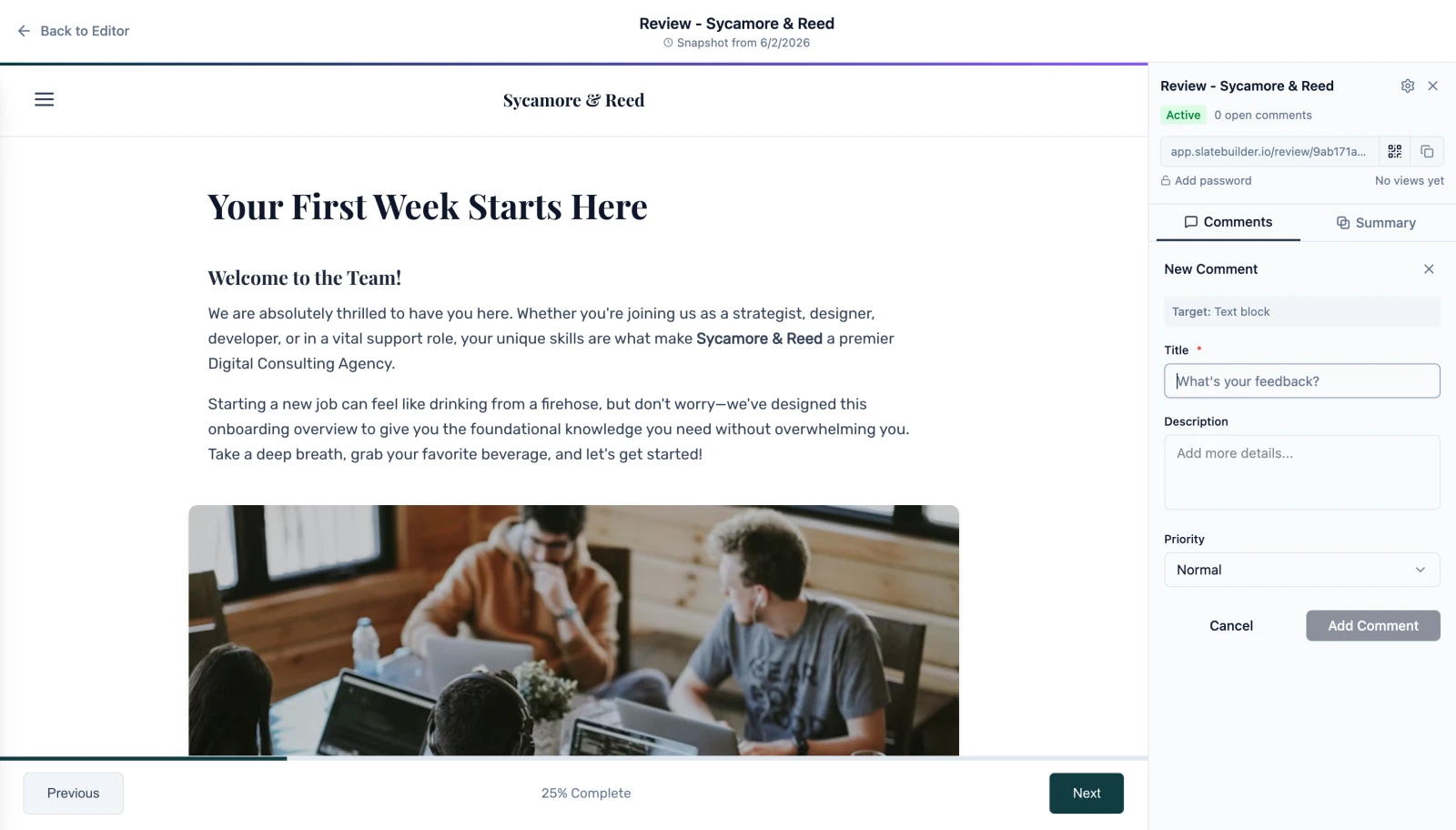
Three ways to chat
Talk to Slate however you think.
Type an idea, speak it aloud, or build the whole course from Claude. Slate turns the conversation into an editable draft.
- Welcome & goals
- Meet your team
- Tools and access
- Your first 30 days
- Wrap-up & next steps

Chat. Think out loud in writing.
Brief Slate in the editor on a full course or a single lesson. Drop in source documents, pick from 15 languages. Slate drafts. You refine.
Two-minute setup with Claude, Codex, Copilot, or Cursor.
Start free, upgrade when you're ready
Build training your team, customers, or students will actually finish.
- Build up to 5 courses
- Start from Canva, Slate, or LESSON.md
- 1,000 one-time bonus AI credits with CanvaNew
- AI writing, images, and question generation
- 5 SCORM 1.2 exports
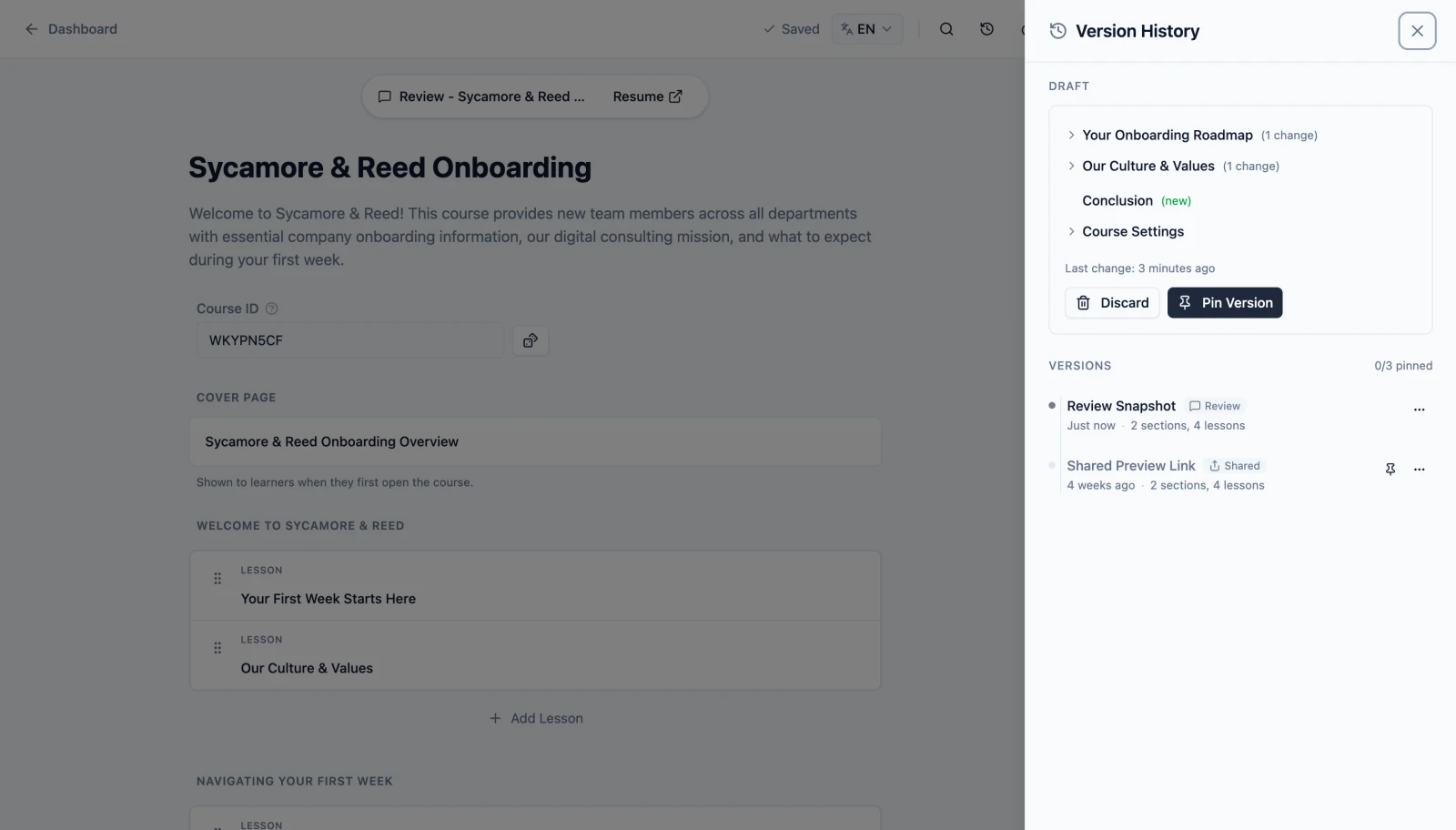
- Share courses with public preview links
- Build up to 100 courses
- Collaborative editing: build courses together
- 1,000 extra AI credits / month with CanvaNew
- Live voice course planning
- Connect your AI assistant via MCP
- Review tool with password-protected reviewer links
- Multi-language SCORM in one export
- Unlimited publishing
- Build unlimited courses
- 3× the AI credits and storage of Standard
- Dynamic SCORM: update deployed courses anytimeSoon
- 1,000 extra AI credits / month with CanvaNew
- Team workspaces: shared editing, pooled credits & storage
- Centralized billing: one invoice for your whole team
- ElevenLabs premium narration
- Batch import 25 courses at a time
- Priority support
AI credits refresh every month. ·
Works with your tools
Direct integrations with Canva, Claude, and ElevenLabs. Paste any other link and Slate handles the rest.





From the blog
Notes on building better courses
What's new in Slate: summer 2026
Slate for Canva is live, plus a new reading font, multilingual document downloads, smoother mobile courses, and refreshed docs. Our summer highlights.
Slate for Canva is live: turn presentations into SCORM courses with AI
Generate interactive, LMS-ready eLearning courses from your Canva presentations. Slate for Canva is now available in the Canva Apps Marketplace.
Copy lessons as Markdown, paste them back in
Copy any Slate lesson as Markdown in one click, revise it with your AI chat app, and paste it back in. No file handling required.
Everything you need to create, manage, and deliver.
Start free with 5 courses and 1,500 AI credits.
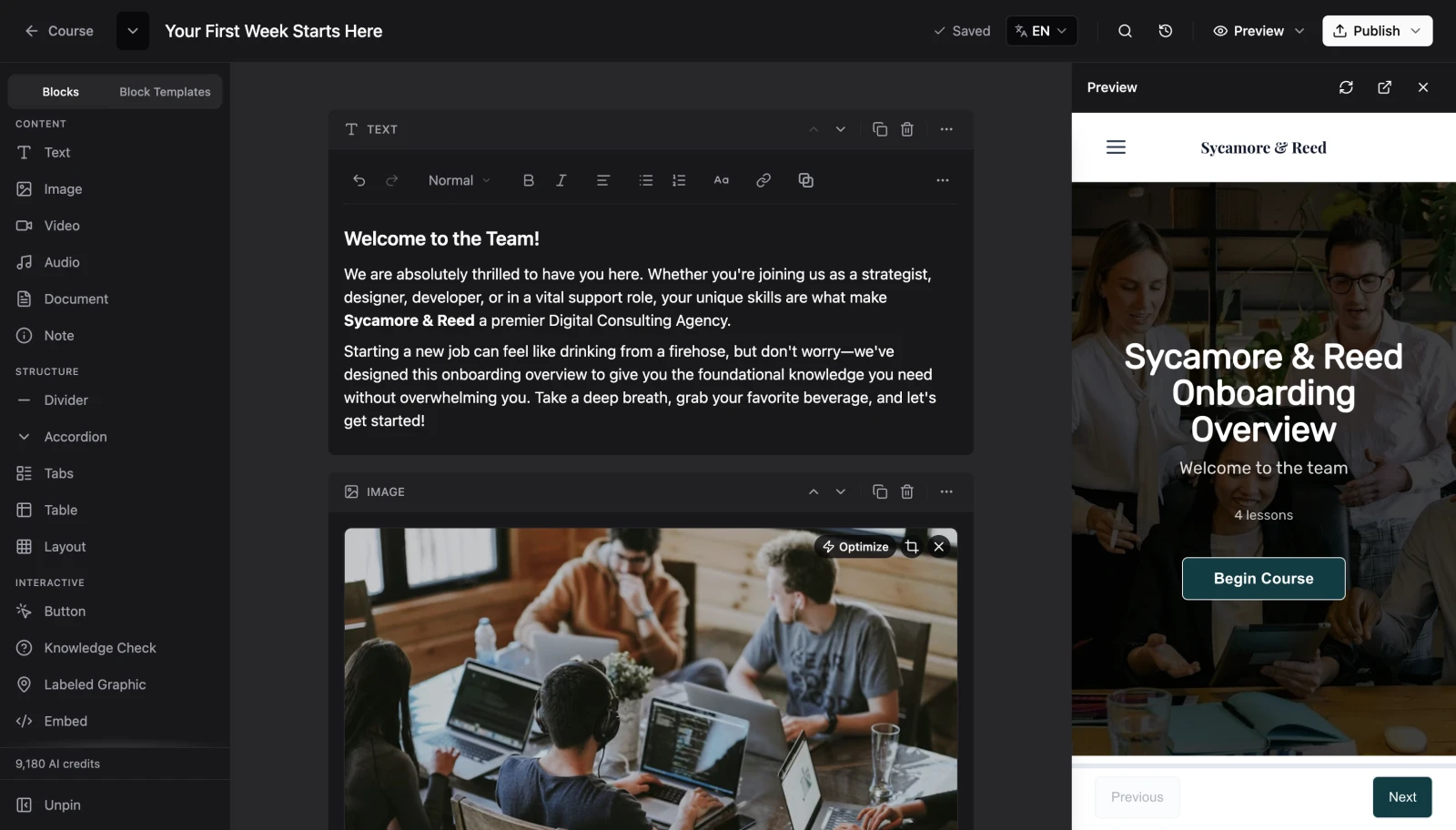
From brief to draft course
AI helps you draft, expand, and polish lessons in minutes. Every word stays editable in the builder before you ship.
Interactive code blocks
Describe what you need. Slate produces theme-aware components you can drop into any lesson. Available on Standard and Pro.
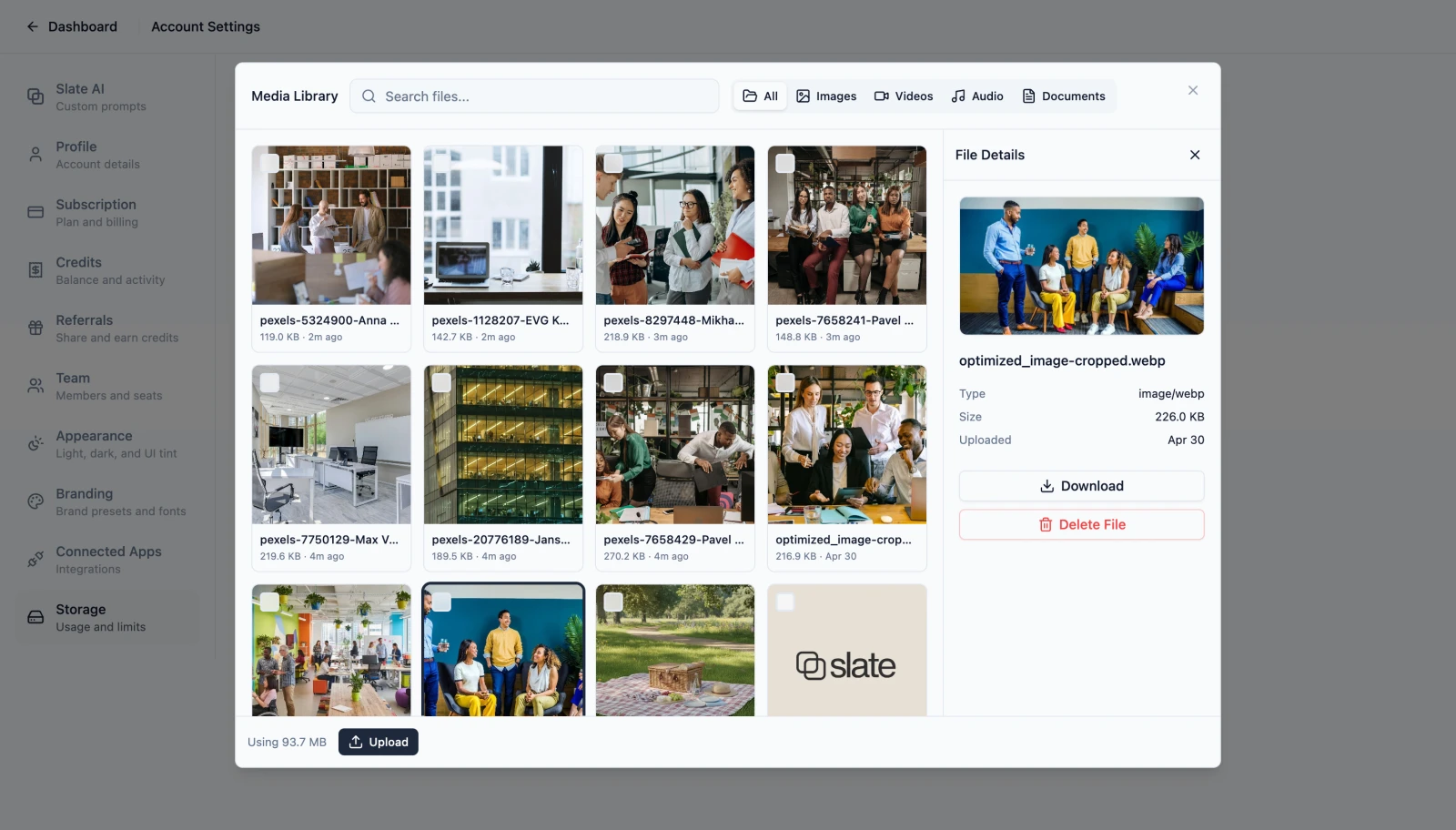
Voice every lesson
Narrate with built-in voices on every plan. Upgrade to studio-quality voices on Pro.
Review without email chains
Share password-protected review links. Resolve stakeholder feedback inside the editor with AI summaries.
Ship to any LMS
Share a public preview link with anyone, or export SCORM, xAPI, or cmi5 packages for any Learning Management System. Exports are validated with SCORM Cloud.
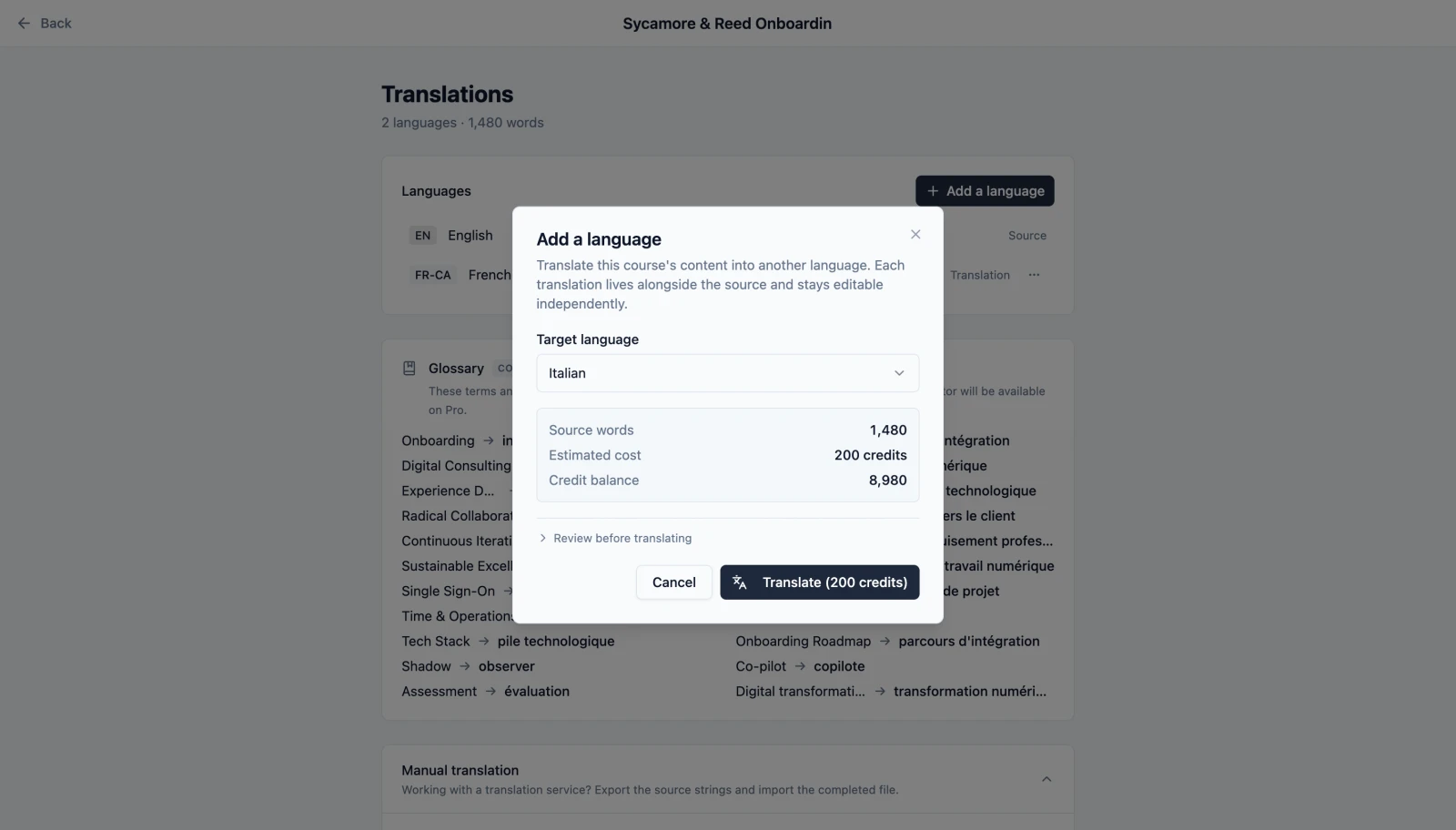
One course, every language
On Standard and above, translate courses and export multi-language SCORM from a single source. No duplicate assets, no extra tools.
Frequently Asked Questions
Your blank canvas, ready when you are.
Your first course draft in minutes. No credit card required.
5 courses free forever. Upgrade when you need more.