Voice course planning, reliability work, and Claude's new LESSON.md tool
At a glance
- Live voice course planning (Standard and Pro): plan a new course out loud with Slate AI, hands-free, with reference docs and a customizable voice and orb. Standard plans include 30 minutes a month, Pro 90.
- More reliable AI translation (Standard and Pro): long courses translate end to end, with consistent terminology across every lesson and clearer status while a job is running.
- More reliable exports for media-heavy courses: bigger, more visual courses now behave as smoothly as the rest at export time.
- Smarter Slate MCP (Standard and Pro): a new LESSON.md documentation tool plus a sharper toolset, so connected AI assistants resolve more requests in one shot.
- App shortcuts for chat and voice: jump straight into chat or voice from the Slate app icon on desktop and mobile.
- Plus: per-block vertical spacing, rich text toolbar upgrades, AI Writing Assistant in card content, and a wave of editor polish.
The bulk of what shipped here is reliability work, focused on three areas: media (SCORM bundling, heavier exports, third-party hosts), AI translation across long courses, and the Slate MCP. Alongside that, a headline new feature in live voice course planning, a brand-new LESSON.md tool for Claude, and a handful of smaller items. Here is the round-up.
Plan a course out loud
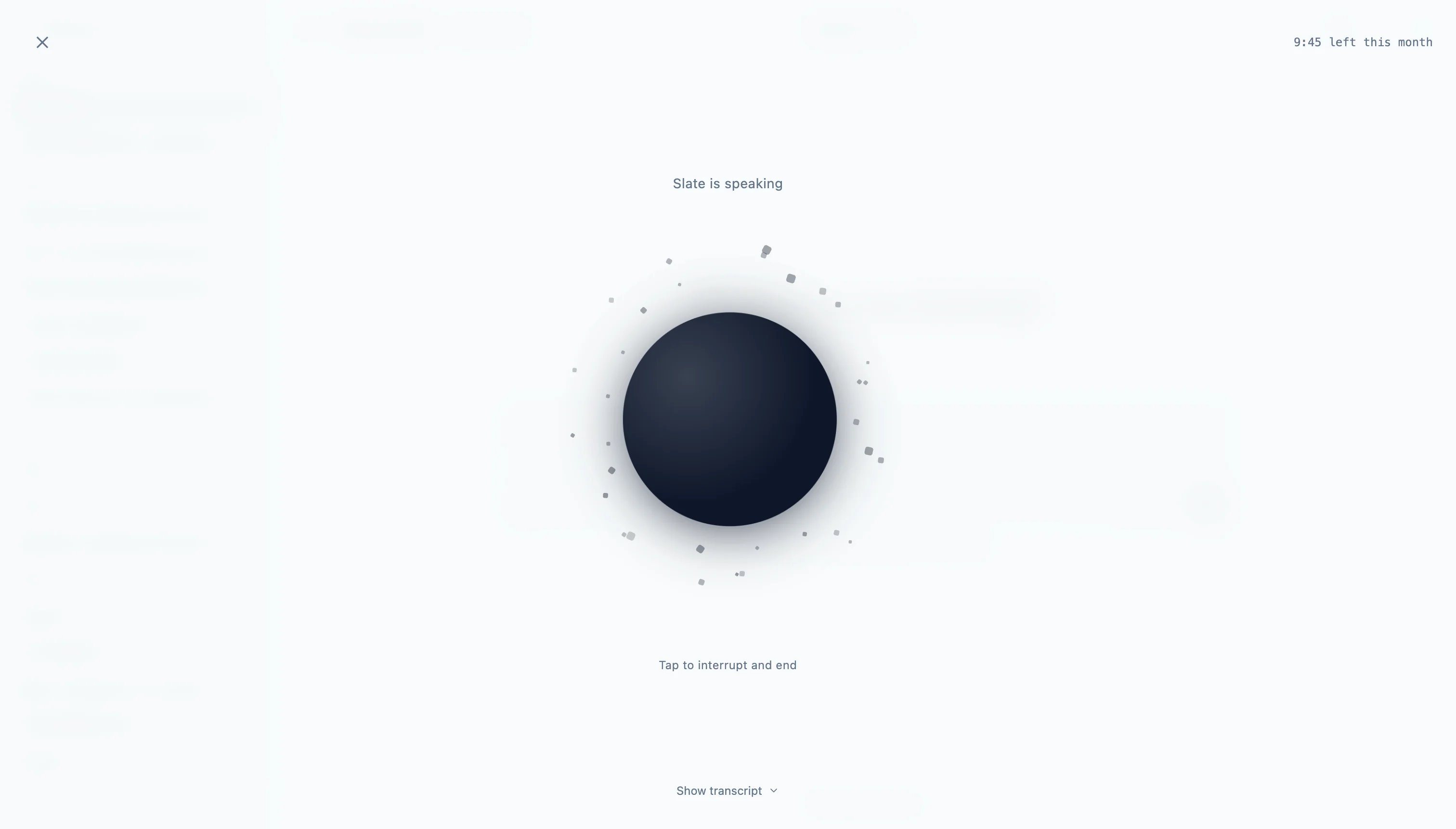
Anywhere you can chat with Slate AI, you can now talk to it instead. Start a new course from the dashboard, or scope a new lesson from inside a course you are already working on. Talk through who the course is for, what learners need to come away with, and the kind of structure you have in mind. Slate AI listens, asks follow-ups, and turns the conversation into a course or lesson you can refine in the editor.
A few things make voice planning practical instead of novel:
- Reference docs: attach a PDF, slide deck, or training brief in the build step and Slate AI grounds the conversation in the material you are already working from.
- Customizable voice and orb: pick a voice that matches how you want the assistant to sound, then choose an orb style and colour to match, so it feels like your assistant.
Voice is built into AI Chat, which sits alongside the Slate MCP and a blank canvas as ways to start a new course. Pick whichever fits the moment. Live voice is a paid-plan feature: Standard includes 30 minutes a month, Pro 90.
Translation that holds up across long courses
Machine translation is a starting point, not a finished product. But for it to be useful as a starting point, it needs to actually run end to end. With long courses, that was unreliable: translating a multi-lesson course as a single pass to Gemini Pro sometimes gave up partway through.
This release fixes that. Translation now runs in batches across the course, and each batch is grounded in a shared glossary of terms that appear everywhere in your content. Long courses translate end to end, and as a bonus, brand names, product terms, acronyms, and recurring phrases stay consistent from the first lesson to the last, without you maintaining a lookup table by hand.
The Translate page makes that visible. While a translation is running, you can see the glossary of grounding terms being used across the course, so it is clear what is being held consistent across lessons.
The output is still a draft. You stay in control of the final read in the editor, with inline editing across every block type. The translation just gets you closer to ready, with less to clean up afterwards.
AI translation between languages is a Standard plan feature, paid from your AI credit pool. Course authors on the Free plan can pick any of Slate's 15 supported languages as their authoring language and draft the course there.
A smarter Slate MCP
Slate was the first eLearning authoring tool to connect to AI assistants through Model Context Protocol, with Claude as the officially supported client. The point has always been the same: let your AI assistant do the busywork of managing your course library so you do not have to. Two changes in this release lean further into that.
First, your AI assistant can now look up the LESSON.md format spec on its own. Ask it to draft a lesson and it will check the spec, then hand you Markdown that imports straight into Slate. Pair that with the existing Slate documentation lookup and your assistant has both the product docs and the open authoring format at its fingertips, with no additional setup on your side.
Second, your AI assistant is better at picking the right tool the first time. Ask it to "list all my courses tagged onboarding and create preview links for each" or "summarize the stakeholder feedback on my safety course and give me a checklist of what to fix" and it gets to the answer with fewer false starts. The toolset has not grown; what is in it is just easier to use.
One related change: filtering your library by tag through MCP used to require Pro. It now works on Standard too, so you can ask "show me all my draft courses tagged onboarding" without hitting a wall. Tag management through MCP, along with reviews and other Pro-only tools, stays on Pro. (The Slate MCP itself is a Standard and Pro feature.)
More reliable exports for media-heavy courses
Media-heavy courses now export more reliably. Most exports already finished cleanly; this release closes a handful of edge cases so the bigger, more visual courses behave as smoothly as everything else.
Photos and AI-generated voiceovers are on every plan, including Free. Uploaded video and audio are on Standard and Pro. The export reliability work applies to every course on every tier.
Also shipped
- Per-block vertical spacing: a slider in the block toolbar to tighten or expand the rhythm above and below any block, with one-click reset.
- App shortcuts for chat and voice: right-click the installed Slate app icon on Windows or macOS, or long-press on Android, and jump straight into AI Chat or Voice Chat.
- Quick actions menu in the editor: a floating action button on Course Overview and the Lesson Editor for theme, UI tints, and the Resources panel, now on every viewport.
- Course language picker in AI Chat: a language chip alongside the AI chat input, in sync with Settings, so you can set the course language right where you are working.
- Rich text toolbar upgrades: cleaner editing with text alignment plus font, size, and colour controls in a compact toolbar across text, notes, accordions, tabs, cards, flip cards, and labelled-graphic hotspots.
- AI Writing Assistant in card content: the same expand, shorten, more fun, more formal quick actions you have in other rich-text blocks, now available in cards and flip cards.
- Account deletion and legal links: Terms and Privacy on sign-in and sign-up, and account deletion from Settings, Profile.
Where to go next
A snapshot of what we are working on next lives on the roadmap, and feature requests are always welcome on the feedback page. Or, if you want to try voice planning yourself, open Slate and tap the mic on the dashboard.