Card Blocks: Interactive Content Cards for Your eLearning Courses
Sometimes a wall of text isn't the best way to teach. You need visual structure: bite-sized information cards that learners can scan, flip, or browse through. The kind of content that looks intentional and polished, not slapped together.
That's what the new Card blocks in Slate are for.
Three New Ways to Present Information
This release adds three interconnected block types to your toolkit:
- Card: A content card with an image, title, subtitle, and rich text or media inside. Perfect for profiles, key concepts, or feature highlights.
- Flip Card: An interactive card with front and back sides. Learners click or hover to reveal the other side. Great for vocabulary, Q&A pairs, or "reveal the answer" scenarios.
- Card Carousel: A horizontal row of cards with navigation arrows and dots. Learners swipe or click through multiple cards in a single block. Ideal for product lineups, team bios, or step-by-step processes.
All three are available from the new "Cards" submenu in the block picker.
Content Cards: Structured Information
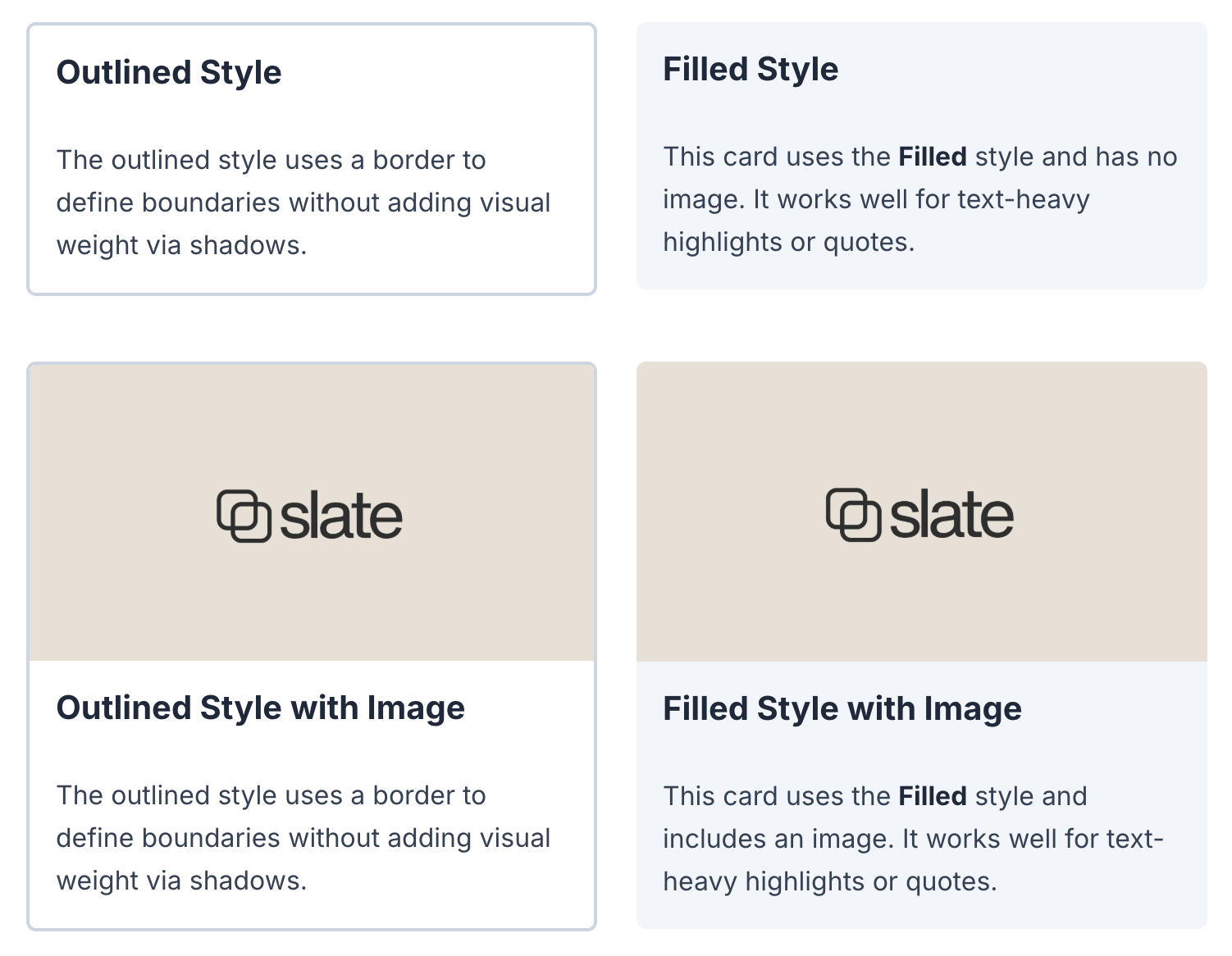
The basic Card block gives you a flexible container with:
- Header image: Position at top, left, right, or hide it entirely
- Title and subtitle: Clear hierarchy for scannable content
- Content area: Add rich text, lists, or additional images inside
- Optional link: Make the whole card clickable to navigate elsewhere
- Style options: Default, bordered, or elevated visual styles
Use it for team member profiles, product features, or concept definitions. Each card is self-contained and works well alongside other cards in a Layout block.
Flip Cards: Reveal and Discover
Flip Cards add interactivity without complexity. Each card has two sides:
- Front side: What learners see first (a term, question, or prompt)
- Back side: The reveal (a definition, answer, or deeper explanation)
You control how the flip triggers:
- Click to flip: Learners must actively engage to see the answer
- Hover to flip: Reveals on mouse-over (automatically clicks on touch devices)
Choose horizontal or vertical flip direction, and pick an aspect ratio that fits your content. Both sides support rich text, images, and styled backgrounds.
Flip cards work well for vocabulary training, safety procedure Q&A, or any "test yourself" moment where you want learners to think before seeing the answer.
Card Carousels: Browsable Collections
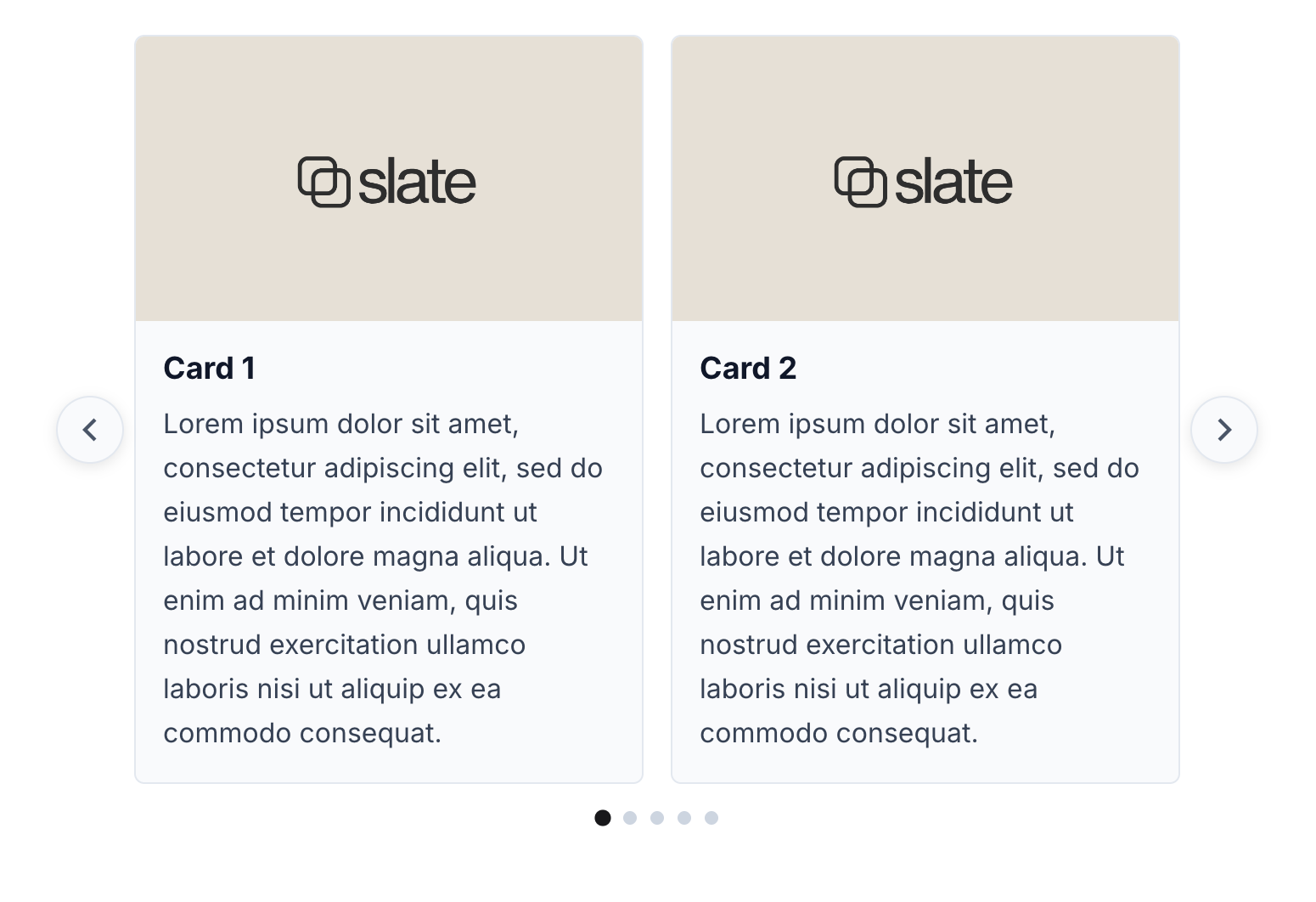
When you have more content than fits comfortably on screen, the Card Carousel presents it as a swipeable row. Here's what you can configure:
- Cards per view: Show 1, 2, 3, or 4 cards at once (desktop)
- Navigation arrows: Optional prev/next buttons
- Dot indicators: Show position within the carousel
- Loop mode: Wrap from last card back to first
- Autoplay: Automatically advance with configurable interval
The carousel automatically adapts to screen size. On mobile, it shows one card at a time regardless of your desktop setting, so there's no horizontal scrolling frustration.
Use it for product catalogues, team introductions, customer testimonials, or any collection where learners should browse rather than scroll through a long list.
Keyboard Accessible
All card blocks support keyboard navigation. Learners can tab through cards, use arrow keys to navigate carousels, and press Enter or Space to flip cards. Screen readers announce card content and carousel position properly.
AI Generation Support
If you're using Slate's AI course generation, you'll find that card blocks are now included in the AI's toolkit. Describe what you want ("create flip cards for these vocabulary terms" or "add a carousel of team member profiles") and the AI can generate appropriate card content.
Styled to Your Brand
Card blocks are fully integrated with Slate's theming system. Your brand colours, fonts, and border radius settings automatically apply to every card you create. Build once, and your cards match your client's brand without extra work.
Try It Now
Card blocks are available now in Slate. Open any lesson, click "Add Block," and look for the Cards submenu. If you're new to Slate, sign up free and start building interactive courses today.